Content Hub Listing Page — Featured-Plus-Grid Variant
A content hub page that pairs a featured post at the top with a card grid of recent articles below, plus category navigation for filtering — pilots a recipe blog but the pattern fits any creator who needs a SEO-friendly content library.
Best for: Content hub or blog listing pages where the most important article should anchor the page and the rest should sit in a scannable grid.
Live preview — scroll inside the frame to see the full page.
What it does
- Featured post hero — full-width imagery and headline anchor the most important article at the top of the page
- Card grid for recent posts — clean cards with thumbnail, title, category, and date in a responsive grid
- Category filter or tab nav — visitors can slice the grid by topic without leaving the page
- Consistent editorial styling — every card follows the same template so the grid reads as one library
- Footer pagination or load more — extends the grid for visitors who want to keep reading
Best use cases
- Course creators — content marketing hub that drives organic traffic and email signups
- Coaches and consultants — article library and case study index
- Food and lifestyle creators — recipe and journal page
- Memberships — public-facing content sample that drives signups
- Authors and creators — essay and article archive
What you can change with your DNA
When you run this through the remix skill, your CCOS DNA — brand, voice, audience — drives these decisions automatically:
- Colors — page background, card backgrounds, category tag colors, and accent for hover states. Swap for any brand register.
- Fonts — two roles: a serif for article titles and a clean sans for category tags, dates, and body
- Copy — featured post headline and tease, individual card titles and categories, page intro, and filter labels
- Images — featured post hero image and individual post thumbnails. Consistency in size and crop is what makes the grid feel polished.
- Behavior — control how many posts show before the load-more action, and tune category filter behavior
How remixing works
From "swiped it" to "shipped it" in three steps.
Pick a remix
Browse the library, find one that fits — like this one.
Run it through your DNA
The remix skill uses your CCOS DNA to swap colors, fonts, copy, and structure so it lands as yours.
Ship it
Paste the finished HTML into Thinkific, Kajabi, WordPress, or any platform that takes embed code.
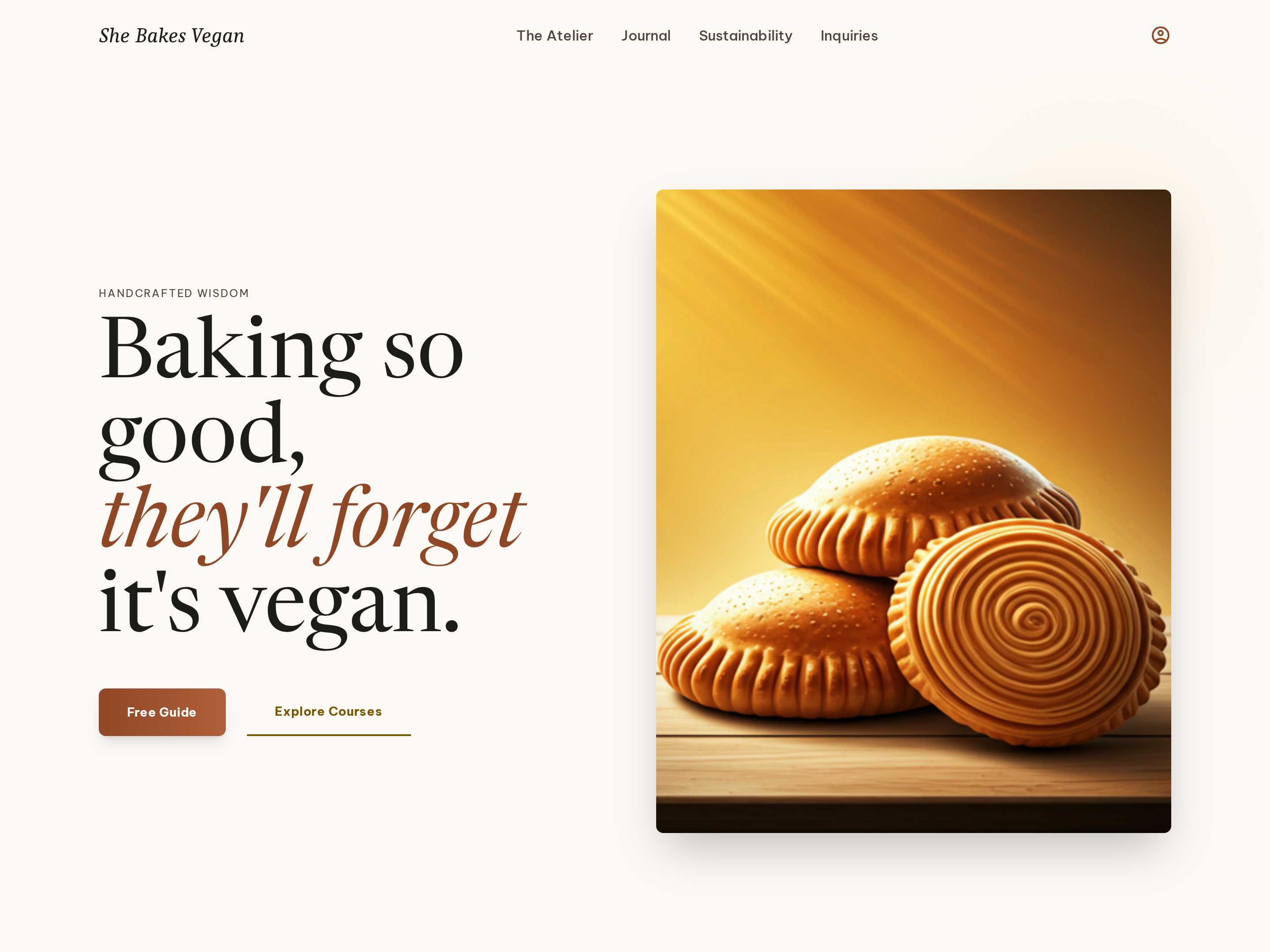
Editorial Homepage — Split-Hero Dual-CTA Variant
A warm, editorial homepage built around a split hero with a serif headline on one side and a photography panel on the other, plus dual calls to action that route visitors to a free resource or the main offer — pilots a vegan baking creator but the pattern fits any food, lifestyle, or course brand.
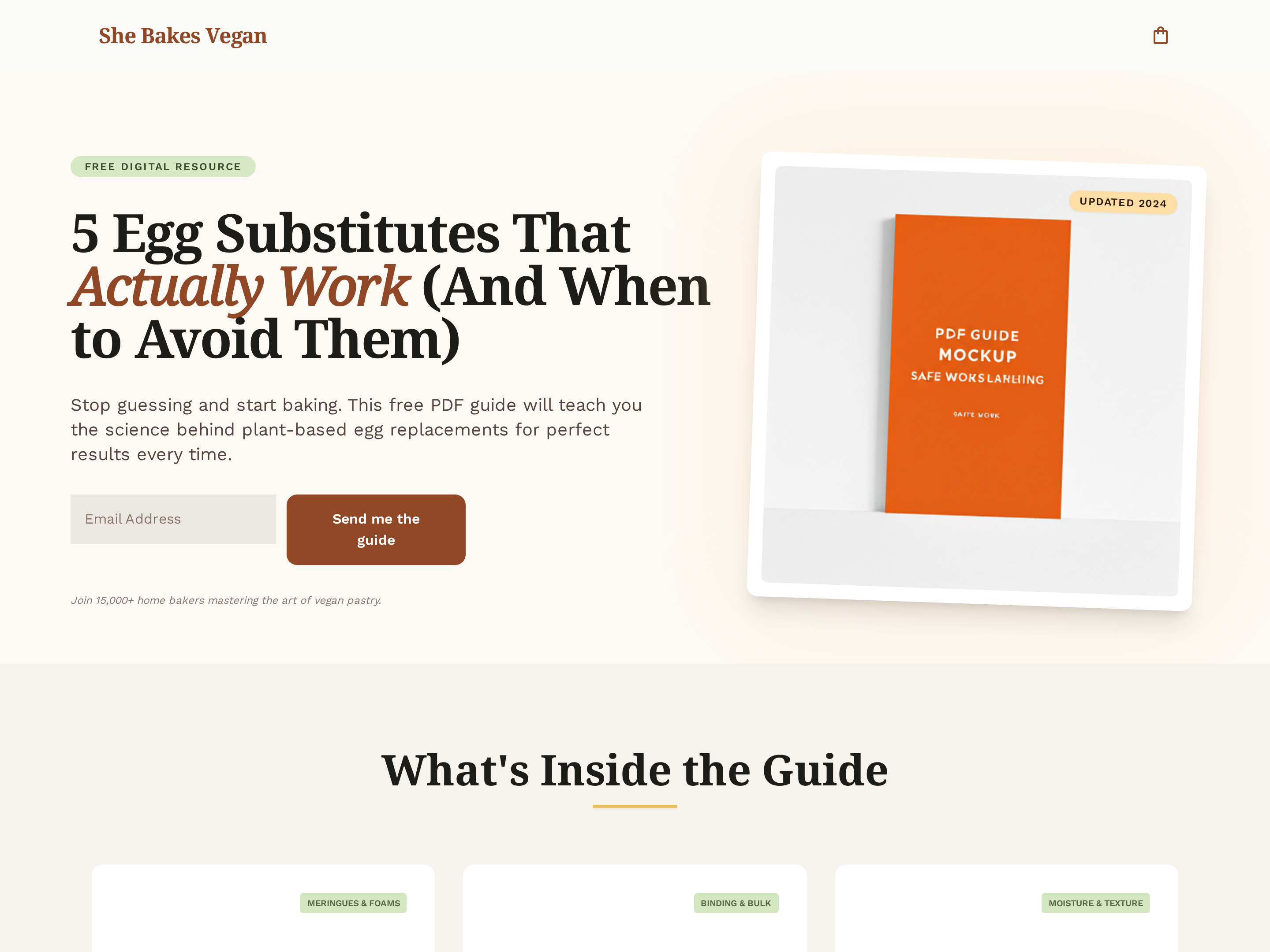
Lead Magnet Opt-In Page — Single-Purpose Variant
A clean, single-purpose opt-in page that pairs a focused guide preview with a benefit-led pitch and one email capture form — pilots a free baking guide but the pattern fits any lead magnet a creator wants to convert visitors into subscribers with.
Create a new list
Save your favorites
Email me a magic link and I'll add this to your favorites list.