Intensive Workshop Sales Page — Editorial Weekend Course Layout
A calm editorial sales page for a short, intensive workshop or weekend course — daily breakdown, outcomes, instructor proof, and pricing with limited-spot urgency — pilots a tech weekend build but the pattern fits any creator selling a transformation-in-a-weekend offer.
Best for: Sales pages for intensive workshops, weekend courses, and short cohorts where the offer is a fast, focused transformation.
Live preview — scroll inside the frame to see the full page.
What it does
- Hero with offer framing — the top of the page names what the workshop is, who it's for, and the duration in plain language
- Day-by-day breakdown — a clear schedule shows what happens on each day or session of the workshop
- Outcomes block — a tight list names the concrete things students will have built or solved by the end
- Ideal-student and prerequisites note — a short section helps the right people self-select in and the wrong ones self-select out
- Instructor credibility strip — a calm bio and proof block reassures the visitor about the teacher
- Pricing and limited-spots block — a clear pricing block with seat count or close date drives a decision
Best use cases
- Course creators — a weekend intensive sold alongside an evergreen flagship course
- Coaches and consultants — a one-day or two-day intensive feeding into a longer engagement
- Designers and developers — a build-with-me intensive workshop
- Industry trainers — a short, certifiable intensive for working professionals
- Authors and speakers — a weekend masterclass tied to a book or framework
What you can change with your DNA
When you run this through the remix skill, your CCOS DNA — brand, voice, audience — drives these decisions automatically:
- Colors — slots for page background, section dividers, headline text, body text, schedule callout, CTA color, pricing-block highlight, and accent
- Fonts — three roles: a display serif for headlines, a body font for paragraphs and lists, and an optional accent serif for testimonials and pull-quotes
- Copy — hero headline and subhead, day-by-day schedule, outcomes list, ideal-student note, instructor bio, testimonials, pricing tiers, and CTAs
- Images — instructor portrait, project examples, optional in-action photos, and any small brand marks
- Behavior — choose whether sections animate in on scroll, how the schedule renders (cards, timeline, or list), and how urgency is shown (spots left, close date, countdown)
How remixing works
From "swiped it" to "shipped it" in three steps.
Pick a remix
Browse the library, find one that fits — like this one.
Run it through your DNA
The remix skill uses your CCOS DNA to swap colors, fonts, copy, and structure so it lands as yours.
Ship it
Paste the finished HTML into Thinkific, Kajabi, WordPress, or any platform that takes embed code.
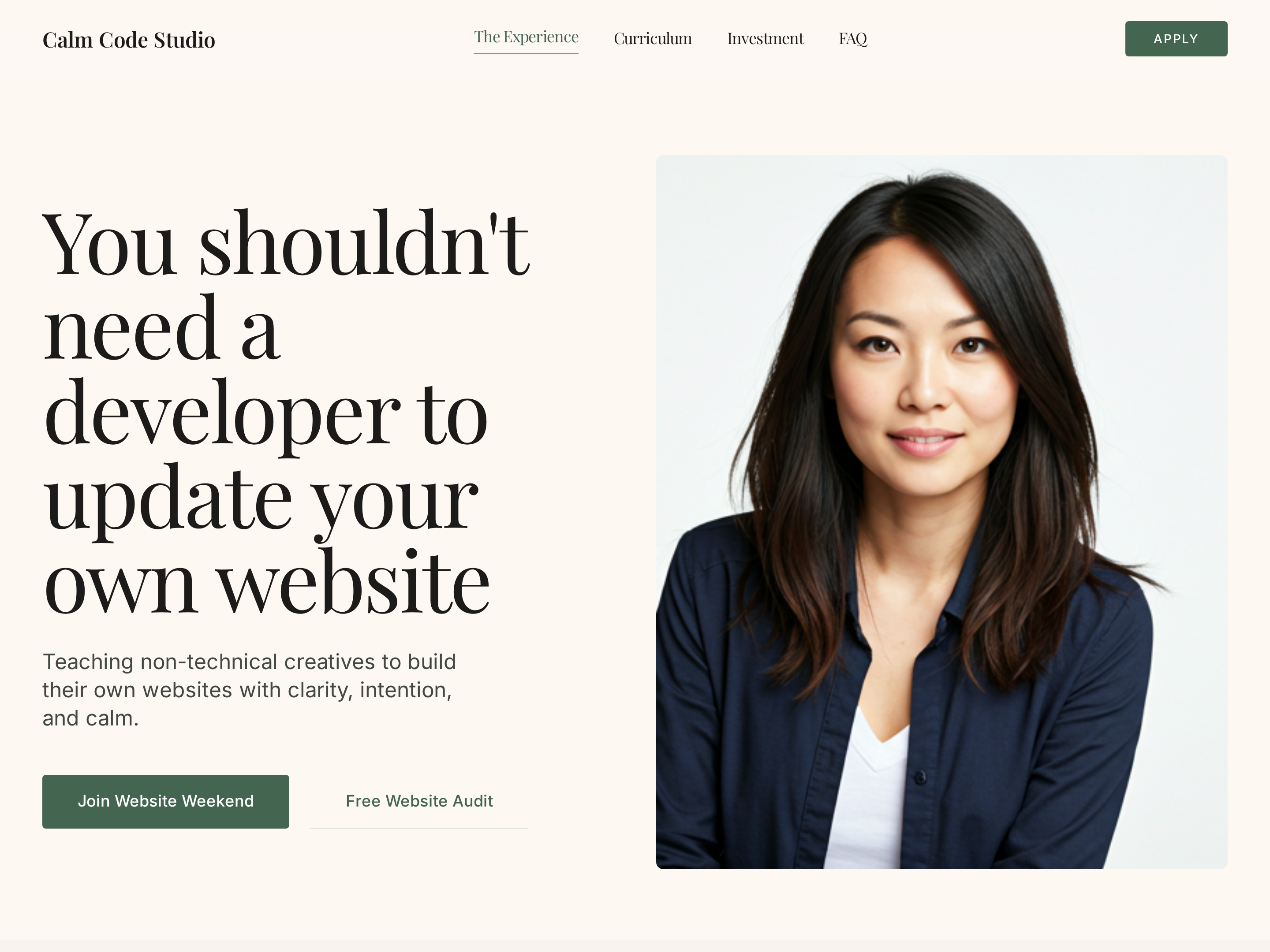
Editorial Creator Homepage — Calm Light-Mode Hero Layout
A calm editorial light-mode homepage with a warm hero, course showcase, social proof, and clear conversion paths — pilots a tech educator with a sage-green palette but the pattern fits any solo creator who wants editorial warmth instead of a corporate template.
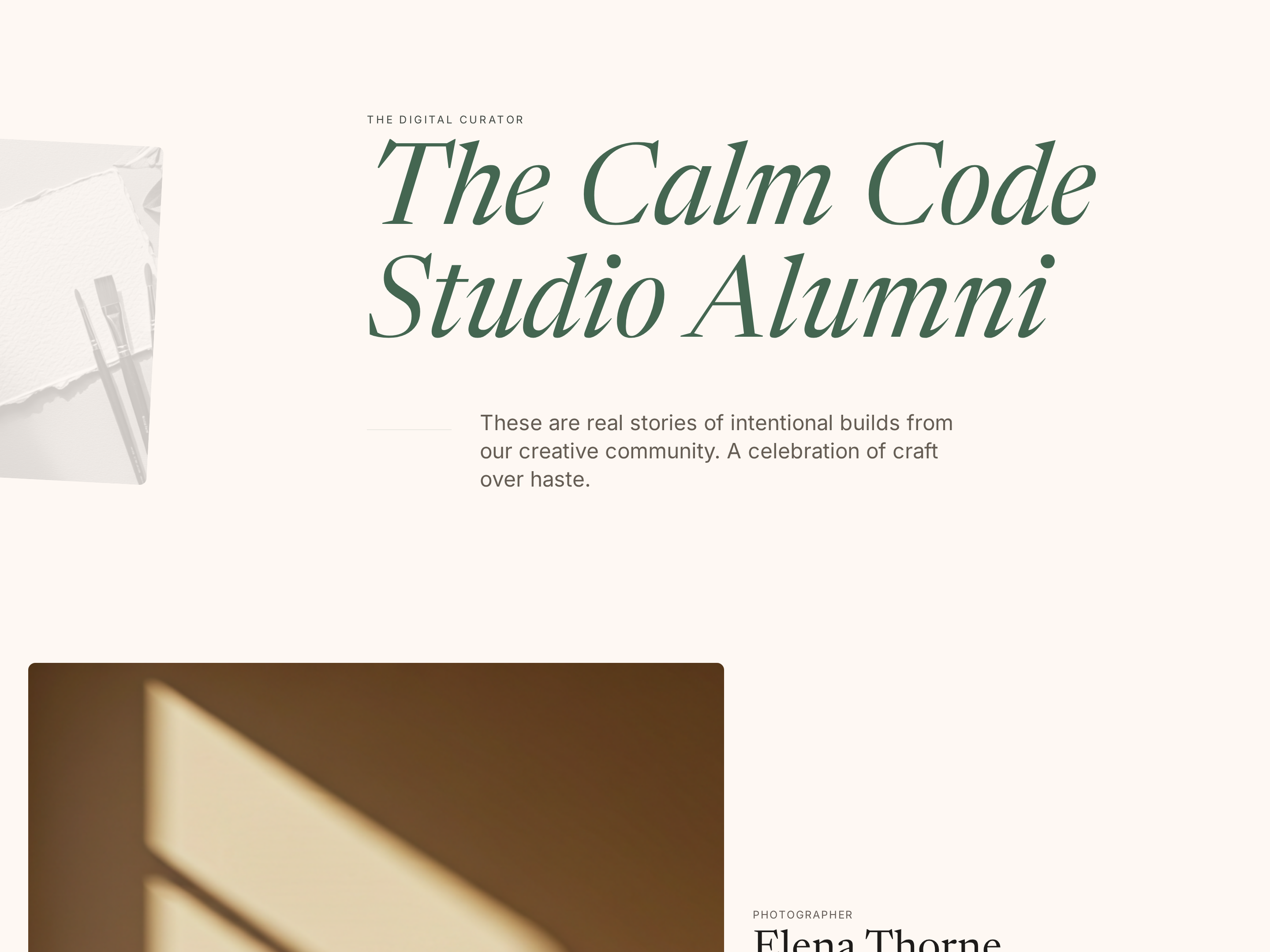
Student Results Page — Editorial Social-Proof Showcase
A warm editorial social-proof page that turns student wins into longer-form proof stories — outcomes, photos, quotes, and project examples — pilots a tech educator but the pattern fits any creator using student results as the core sales engine.
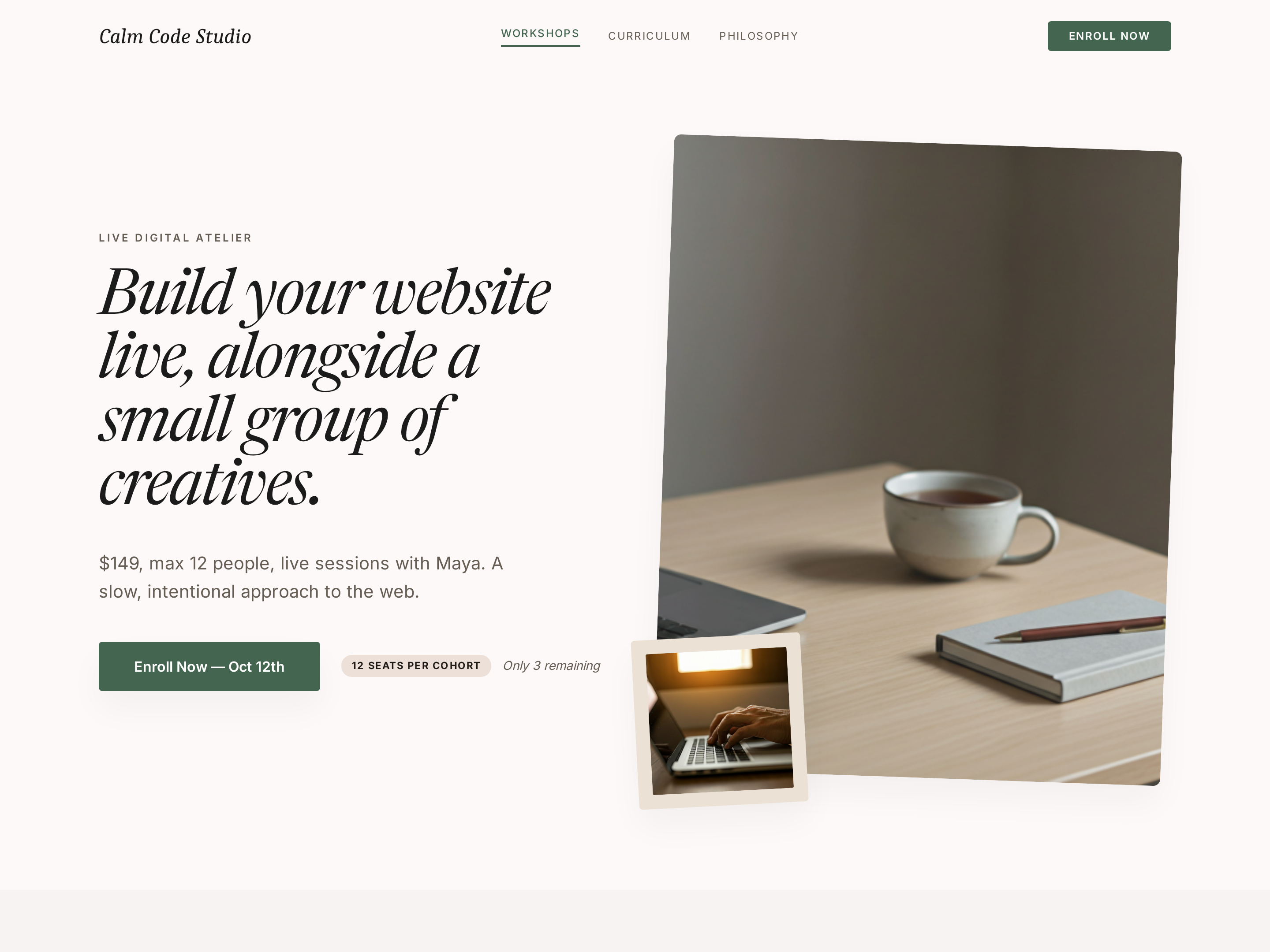
Workshops Hub — Editorial Card Grid With Status Badges
A calm editorial hub page for multiple workshops — card grid with status badges (upcoming, recorded, new), filters, and clear details on date, duration, and level — pilots a tech educator but the pattern fits any creator running a regular catalog of live and recorded sessions.
Create a new list
Save your favorites
Email me a magic link and I'll add this to your favorites list.