Student Results Page — Editorial Social-Proof Showcase
A warm editorial social-proof page that turns student wins into longer-form proof stories — outcomes, photos, quotes, and project examples — pilots a tech educator but the pattern fits any creator using student results as the core sales engine.
Best for: Dedicated social-proof pages where editorial pacing and concrete outcomes do more for trust than a row of one-line testimonials.
Live preview — scroll inside the frame to see the full page.
What it does
- Editorial story cards — each student appears with a photo, name, outcome, and short quote arranged like a magazine feature
- Specific outcome callouts — every card surfaces the concrete result (job landed, project shipped, skill earned) in addition to the quote
- Optional category grouping — stories can be grouped by outcome type (career change, freelance project, internal promotion) for easier scanning
- Featured story slot — one story can be lifted into a larger feature treatment at the top of the page
- Soft CTA at the close — a quiet closing block invites visitors to apply, enroll, or learn more after they've read the proof
Best use cases
- Course creators — a dedicated student-wins page for a flagship course
- Coaches and consultants — a results page anchored by client transformations
- Bootcamps and training programs — an outcomes page focused on placements and projects
- Membership communities — a member-wins page showcasing what's been built inside
- Agencies and studios — a results page where client outcomes carry the sales argument
What you can change with your DNA
When you run this through the remix skill, your CCOS DNA — brand, voice, audience — drives these decisions automatically:
- Colors — slots for page background, card background, headline text, body text, outcome callout, quote accent, and CTA color so the page reads warm and editorial
- Fonts — three roles: a display or serif for headlines and student names, a clean body font for outcomes and supporting copy, and an optional accent face for testimonial quotes
- Copy — page headline and intro, one card per student (name, outcome line, short quote, optional context), category labels, and closing CTA
- Images — student headshots (with permission), portfolio examples, or project screenshots used as supporting visuals
- Behavior — choose whether stories appear as a static grid, a vertical column, or a filterable layout, and whether the featured story rotates
How remixing works
From "swiped it" to "shipped it" in three steps.
Pick a remix
Browse the library, find one that fits — like this one.
Run it through your DNA
The remix skill uses your CCOS DNA to swap colors, fonts, copy, and structure so it lands as yours.
Ship it
Paste the finished HTML into Thinkific, Kajabi, WordPress, or any platform that takes embed code.
Done-With-You Sales Page — Editorial High-Touch Layout
A calm editorial sales page for a hands-on done-with-you service or cohort — process timeline, outcomes block, instructor proof, and pricing — pilots a tech mentor but the pattern fits any creator selling a high-touch transformation.
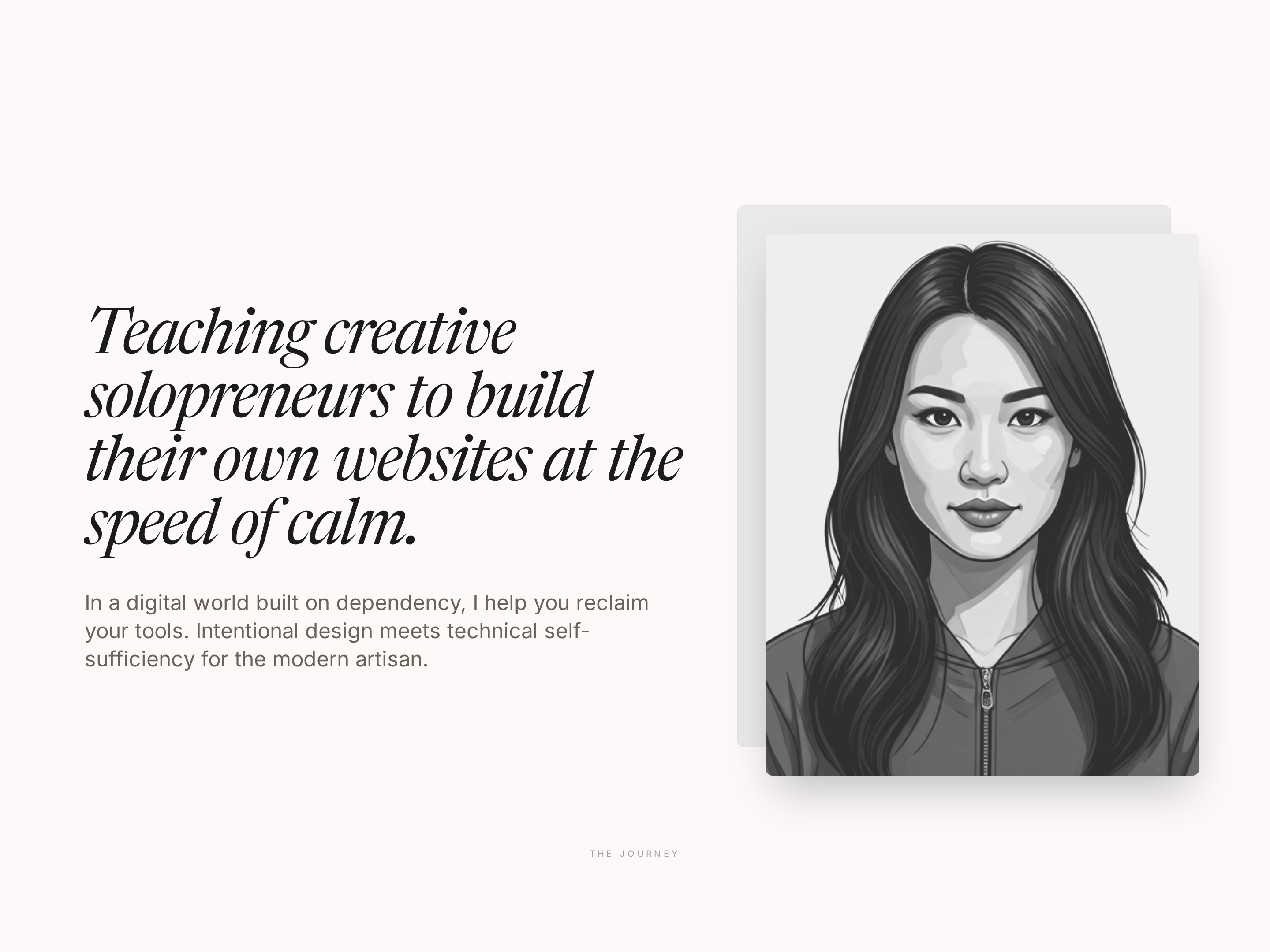
Editorial About Page — Warm Creator Story Layout
A warm, editorial about page built around a personal teaching journey — story arc, philosophy block, credentials, and warm portraits — pilots a tech educator but the pattern fits any solo creator who wants trust without corporate stiffness.
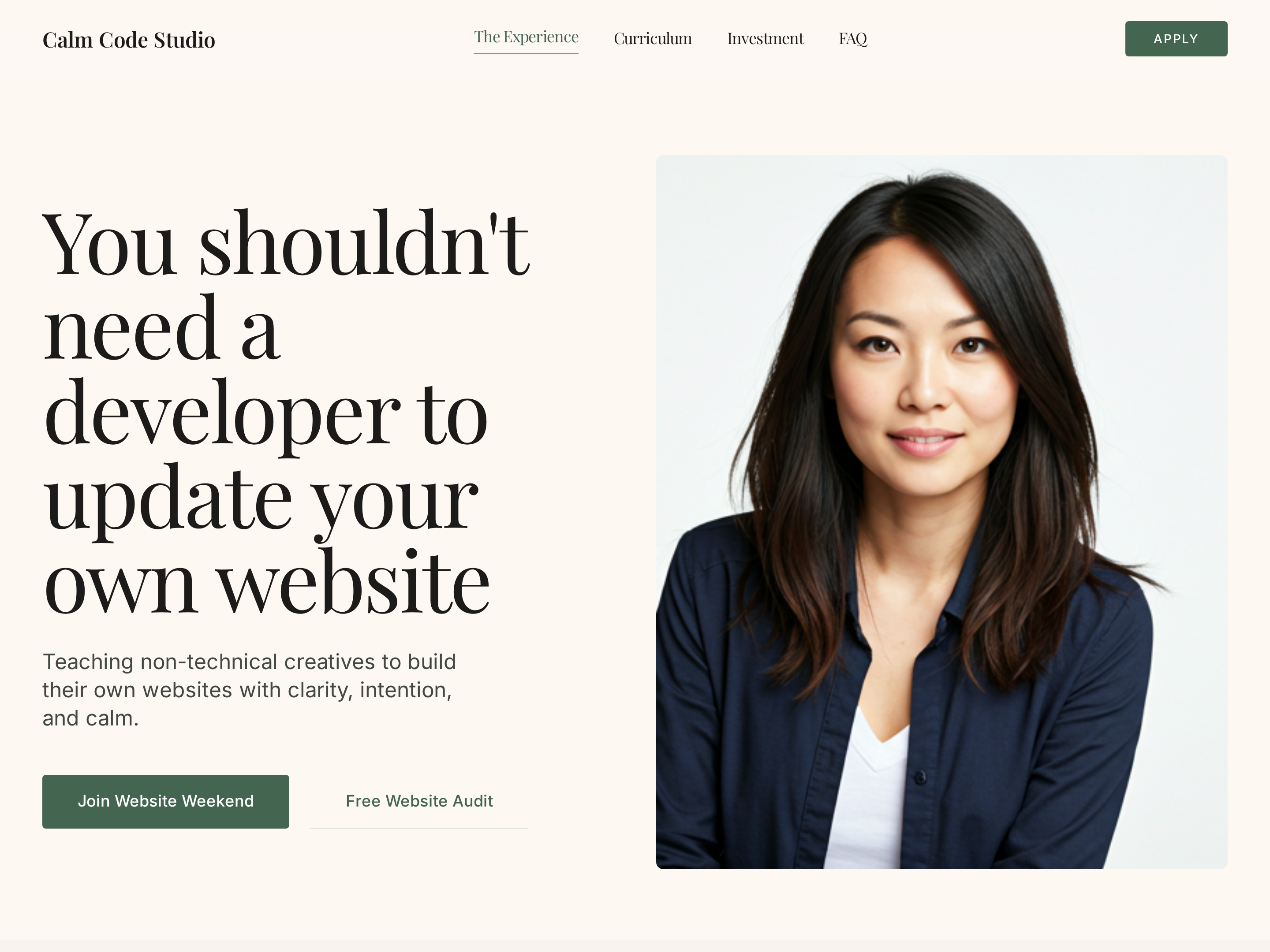
Editorial Creator Homepage — Calm Light-Mode Hero Layout
A calm editorial light-mode homepage with a warm hero, course showcase, social proof, and clear conversion paths — pilots a tech educator with a sage-green palette but the pattern fits any solo creator who wants editorial warmth instead of a corporate template.
Create a new list
Save your favorites
Email me a magic link and I'll add this to your favorites list.