Branded Contact Page — Form-First Light Variant
A simple, branded contact page with a clean form, response-time expectation, and quiet trust signals; pilots an outdoor educator brand but the pattern fits any creator, coach, or studio that books work or answers questions through a form.
Best for: Service-led businesses where the contact page should feel like the start of a real relationship — easy to use, on-brand, and reassuring about what happens after submit.
Live preview — scroll inside the frame to see the full page.
What it does
- Friendly intro headline — the page opens with a warm one-line invitation that names exactly who should reach out
- Styled inquiry form — name, email, message, and an inquiry-type selector keep the form short while routing the right way
- Response-time expectation — a small honest line tells visitors when they'll hear back so the form doesn't feel like a black box
- Quiet trust signals — a subtle photo, location detail, or short testimonial reassures first-time visitors
- Confirmation state — a clean post-submit message thanks the visitor and says what happens next
- Brand-consistent register — colors, fonts, and spacing match the rest of the site so the contact page feels like home
Best use cases
- Outdoor educators — fielding course questions and trip booking inquiries through one form
- Coaches and consultants — qualifying discovery-call requests with an inquiry-type selector
- Studio owners — yoga, dance, or fitness studios collecting class and workshop questions
- Course creators — handling enrollment questions, refund requests, and partnership pitches
- Wellness practitioners — therapists, healers, and bodyworkers triaging new-client inquiries
- Agencies and freelancers — a clean project-inquiry form that doubles as the contact page
What you can change with your DNA
When you run this through the remix skill, your CCOS DNA — brand, voice, audience — drives these decisions automatically:
- Colors — slots for page background, form field background, label text, accent color used on the submit button, and focus highlight
- Fonts — two roles: a friendly headline font for the page title and a clear body font for labels, helper text, and the form itself
- Copy — page headline, friendly intro, form field labels, helper text, inquiry-type options, submit button, response-time line, and confirmation message
- Images — optional hero or sidebar photo (location shot, studio interior, or creator portrait) plus a small icon for the inquiry selector
- Behavior — choose inline validation, configure where the form posts, and decide whether to show a thank-you state inline or redirect
How remixing works
From "swiped it" to "shipped it" in three steps.
Pick a remix
Browse the library, find one that fits — like this one.
Run it through your DNA
The remix skill uses your CCOS DNA to swap colors, fonts, copy, and structure so it lands as yours.
Ship it
Paste the finished HTML into Thinkific, Kajabi, WordPress, or any platform that takes embed code.
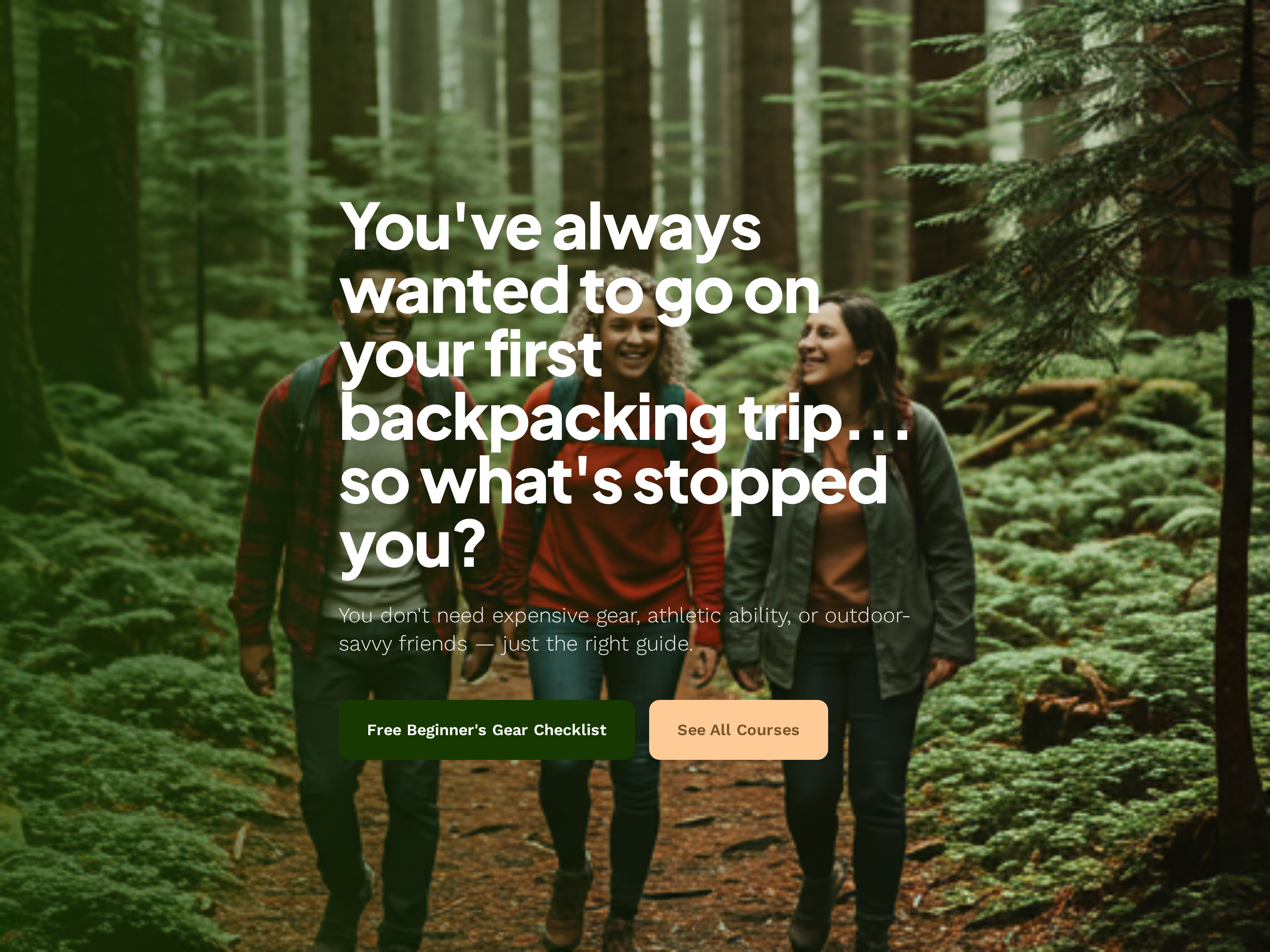
Brand Homepage — Nature-Toned Light Variant
A clean light-mode homepage with a hero call to action, featured offers, trust positioning, and a primary conversion path; pilots an outdoor adventure brand but the pattern fits any creator-led course, coaching, or studio business.
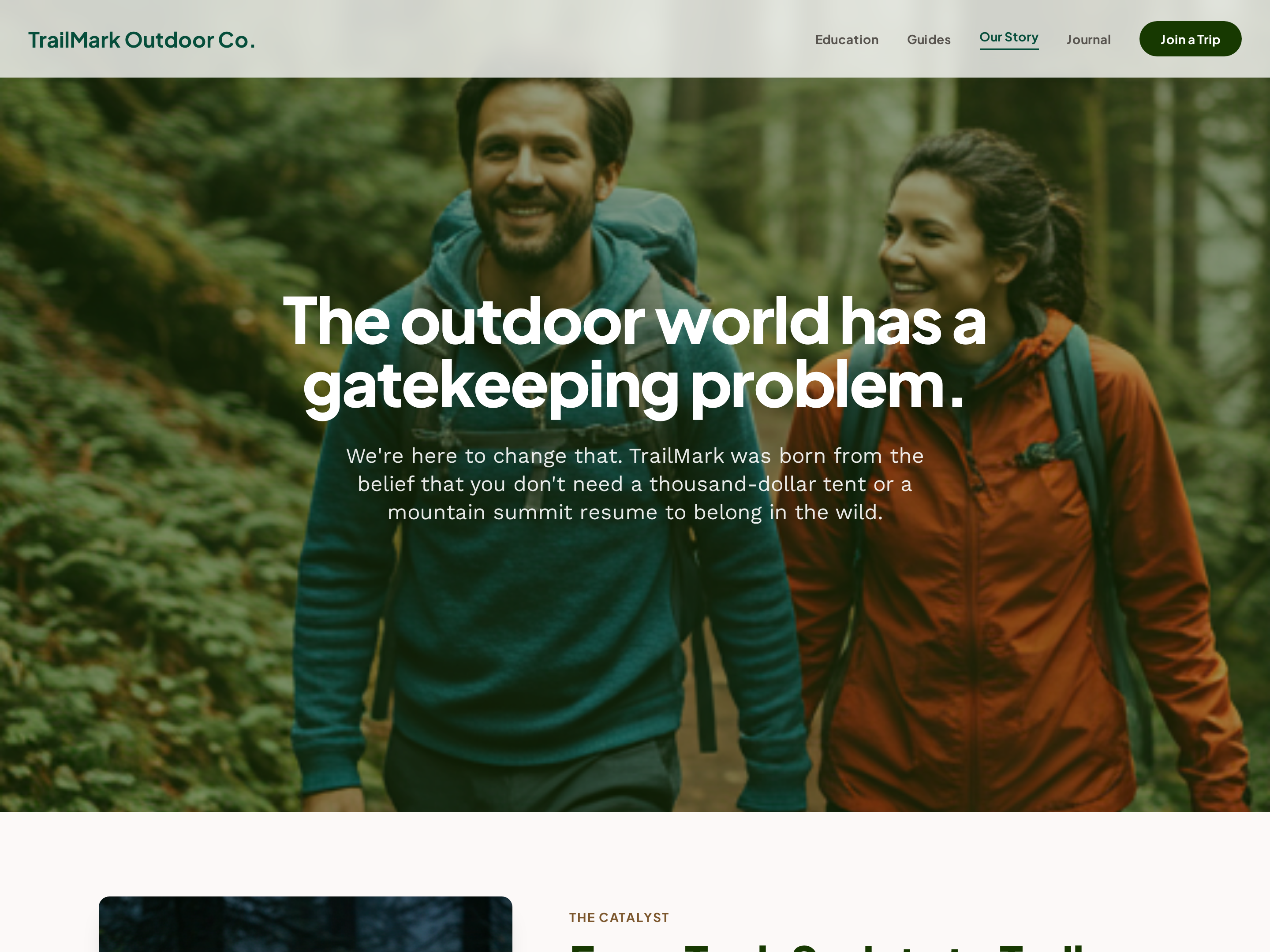
Credibility-First About Page — Light Editorial Variant
A clean, credibility-led about page that opens with origin story, layers in credentials, and closes with a teaching mission so visitors trust the creator before booking; pilots an outdoor educator brand but the pattern fits any expert-led course, coaching, or guided business.
Create a new list
Save your favorites
Email me a magic link and I'll add this to your favorites list.