Beginner Course Sales Page — Approachable Light Variant
A nature-toned, beginner-friendly long-form sales page with curriculum, fear-busting reassurance, outcomes, testimonials, and pricing; pilots a Backpacking 101 course but the pattern fits any beginner course where buyers need permission to start.
Best for: Beginner-tier course sales pages where the visitor is curious but nervous — needing curriculum clarity, fear-busting copy, and gentle conversion in one calm scroll.
Live preview — scroll inside the frame to see the full page.
What it does
- Beginner-promise hero — the headline names exactly who the course is for and what they'll be able to do by the end
- Curriculum at a glance — a module-by-module breakdown shows the journey so buyers can picture themselves moving through it
- Fear-busting section — directly answers the unspoken 'what if I'm not ready' questions buyers ask themselves
- Outcomes and skills gained — concrete list of what graduates can do and feel after finishing the course
- Testimonials from peers — beginner-stage success stories, not advanced students, so visitors see themselves
- Pricing and enrollment block — calm, clear pricing with a single primary call to action and a brief guarantee or reassurance line
Best use cases
- Outdoor educators — beginner backpacking, hiking, or paddling courses where fear is the main objection
- Creative coaches — first-time author, illustrator, or songwriter courses for learners worried they're not 'real' yet
- Career-change programs — beginner courses for people switching into design, writing, coding, or coaching
- Wellness teachers — beginner yoga, breathwork, or meditation courses for people intimidated by advanced practice
- Money and finance — beginner investing or budgeting courses where the audience is anxious and skeptical
- Hobby and craft creators — beginner pottery, photography, or baking courses where people fear ruining materials
What you can change with your DNA
When you run this through the remix skill, your CCOS DNA — brand, voice, audience — drives these decisions automatically:
- Colors — slots for page background, headline text, body text, accent color used on call-to-action buttons, and a soft tint used on highlight blocks
- Fonts — two roles: an approachable modern headline font and a relaxed body font that reads beginner-friendly
- Copy — hero promise, curriculum modules, fear-busting Q&A, outcomes list, testimonials, pricing, guarantee, and enrollment CTA
- Images — beginner-stage photography (real students, approachable settings, learning in action) plus an optional course preview shot
- Behavior — tune scroll-reveal animations on modules and outcomes, and decide whether the price block sticks while the visitor scrolls
How remixing works
From "swiped it" to "shipped it" in three steps.
Pick a remix
Browse the library, find one that fits — like this one.
Run it through your DNA
The remix skill uses your CCOS DNA to swap colors, fonts, copy, and structure so it lands as yours.
Ship it
Paste the finished HTML into Thinkific, Kajabi, WordPress, or any platform that takes embed code.

Brand Homepage — Nature-Toned Light Variant
A clean light-mode homepage with a hero call to action, featured offers, trust positioning, and a primary conversion path; pilots an outdoor adventure brand but the pattern fits any creator-led course, coaching, or studio business.
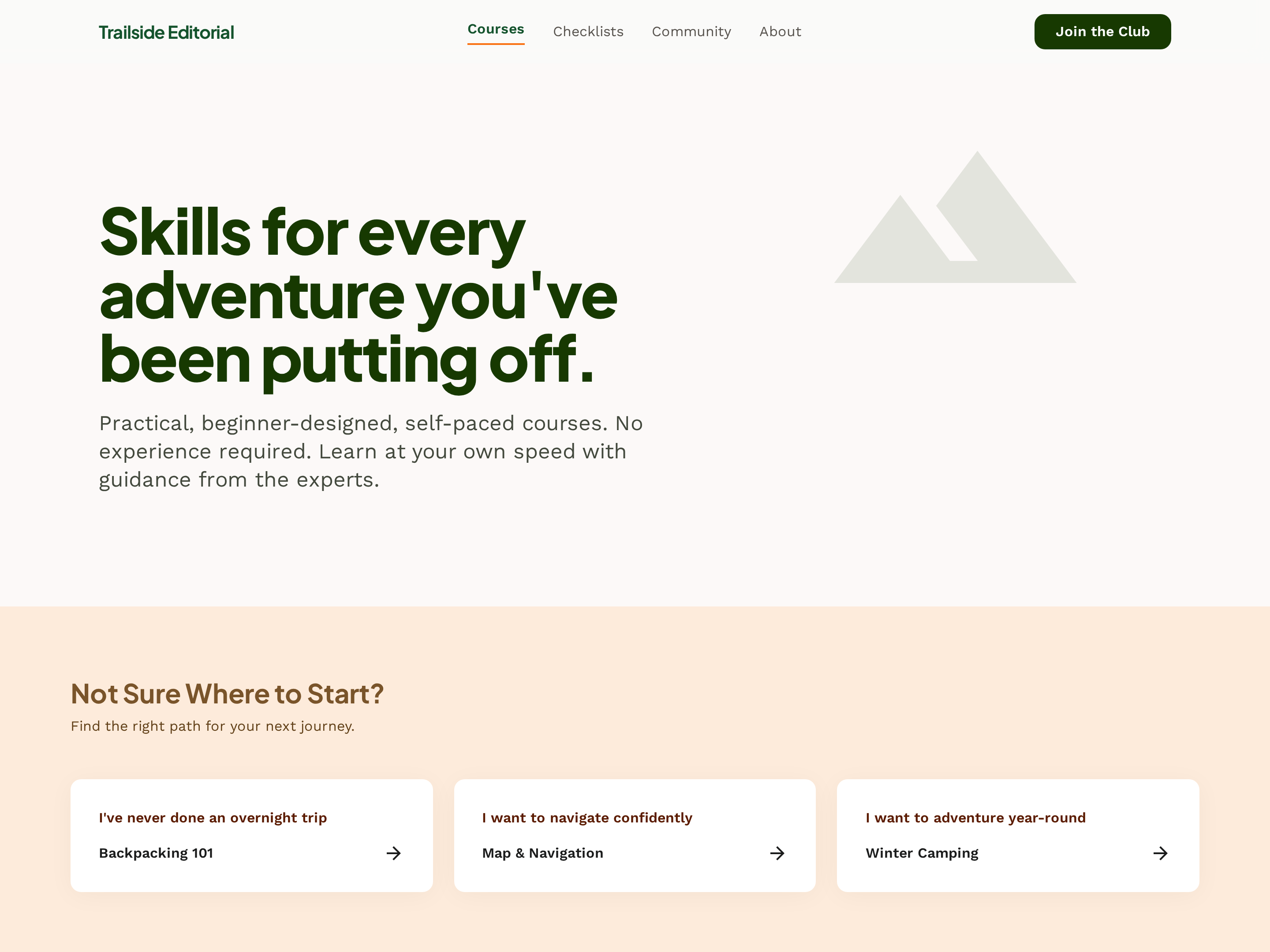
Course Catalog Hub — Filterable Card Grid Variant
A clean catalog hub where every course shows up as a card with skill level, duration, and topic, plus filters that let visitors narrow by experience level or category; pilots an outdoor school but the pattern fits any creator with a growing course library.

Membership Sales Page — Community-First Light Variant
A long-form membership sales page that leads with belonging, then layers in monthly experiences, exclusive perks, and a clear pricing block; pilots a hiking trail club but the pattern fits any ongoing community, mastermind, or subscription program.
Create a new list
Save your favorites
Email me a magic link and I'll add this to your favorites list.