Services Overview Page — Refined Tiered Offers Variant
A refined services overview page that presents every coaching offer side-by-side with descriptions, what's included, and individual CTAs so visitors can self-select the right fit — pilots a career coach but the pattern fits any expert with multiple offers.
Best for: Services or work-with-me pages for coaches and consultants who offer more than one tier and need visitors to choose the right one without sales calls.
Live preview — scroll inside the frame to see the full page.
What it does
- Framing intro — a short opener that explains how the offers map to different stages or needs
- Tiered offer cards — each card carries name, who it's for, what's included, investment, and a single CTA
- Best-for descriptors — a one-line "this is for you if" line on each offer to help visitors self-select
- Comparison-friendly layout — cards align so visitors can scan across them quickly
- Per-card call to action — each offer has its own button to learn more or apply, rather than one shared CTA
- Soft contact fallback — for visitors who aren't sure, a quiet "not sure which fits?" link to the contact page
Best use cases
- Career and life coaches — multiple coaching tiers in one organized view
- Executive coaches and consultants — services menu for corporate buyers
- Therapists and counselors — packages and intensives in one view
- Course creators — full offer suite (course + coaching + community) on one page
- Agencies and studios — service tiers from done-for-you to advisory
What you can change with your DNA
When you run this through the remix skill, your CCOS DNA — brand, voice, audience — drives these decisions automatically:
- Colors — warm cream background, deep brown headlines, and one accent (teal or similar) for CTAs. Swap for any premium register.
- Fonts — two roles: a serif for offer titles and a clean sans for descriptions, pricing, and CTAs
- Copy — page intro, offer names, who-it's-for lines, what's-included bullets, investment, and CTA labels
- Images — optional offer thumbnails, coaching-setting photos, or outcome imagery on each card
- Behavior — control how many offers show per row, whether prices are shown publicly, and how each CTA routes (sales page, application, contact)
How remixing works
From "swiped it" to "shipped it" in three steps.
Pick a remix
Browse the library, find one that fits — like this one.
Run it through your DNA
The remix skill uses your CCOS DNA to swap colors, fonts, copy, and structure so it lands as yours.
Ship it
Paste the finished HTML into Thinkific, Kajabi, WordPress, or any platform that takes embed code.

Authority Homepage — Refined Editorial Variant
A refined editorial homepage with a deep cream-and-brown palette, serif headlines, and authoritative positioning that makes a coaching expert feel premium and trustworthy from the first scroll — pilots a career coach but the pattern fits any premium expert with a personal brand.
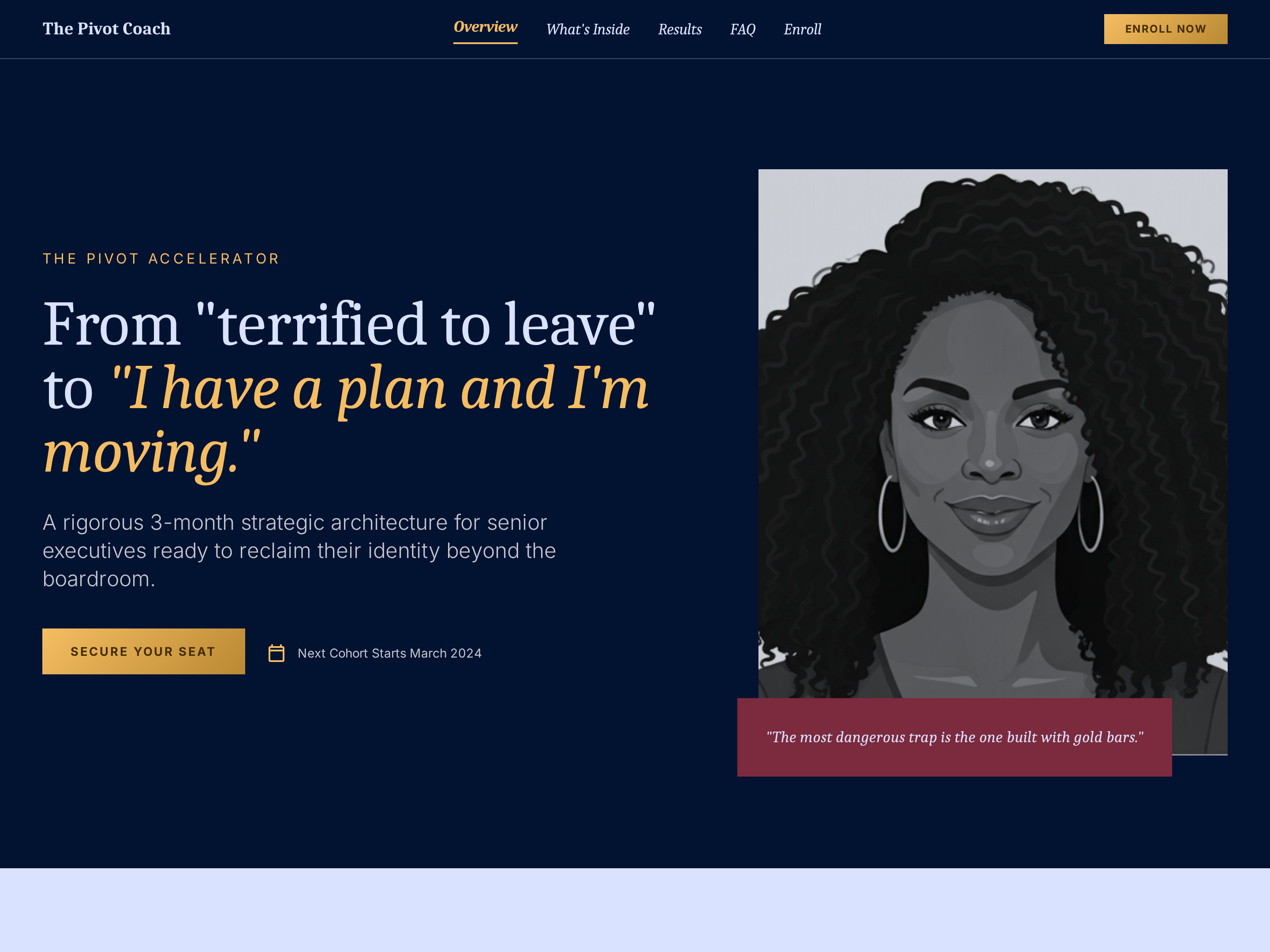
Signature Program Sales Page — Refined Long-Form Variant
A refined long-form sales page that walks visitors through pain, program structure, transformation timeline, client proof, and pricing in a premium cream-and-brown register — pilots a career coach signature program but the pattern fits any premium coaching offer.
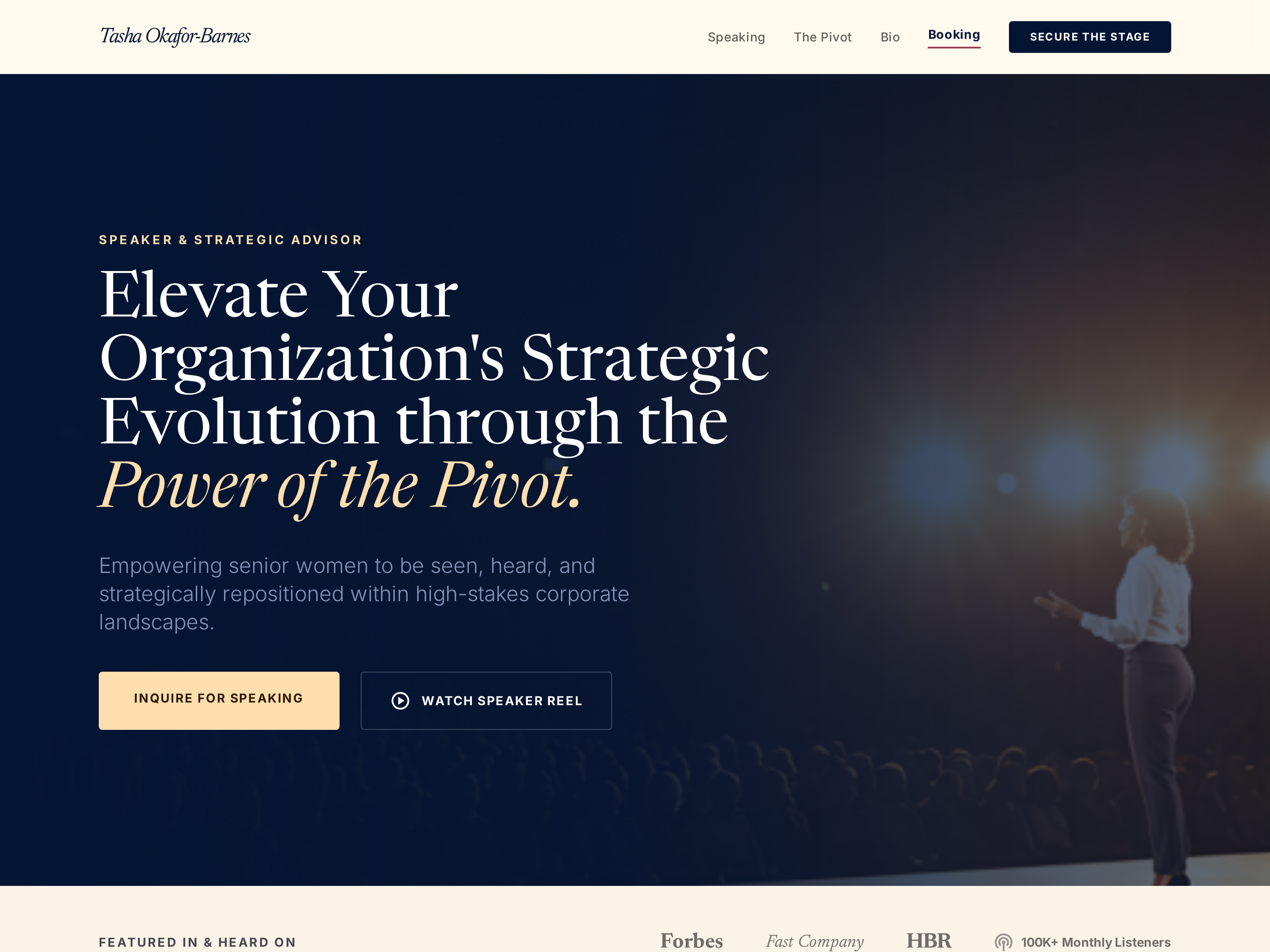
Speaker Page — Refined Keynote Variant
A refined speaker page that showcases keynote topics, past engagements, organizer testimonials, and a booking inquiry path in a premium cream-and-brown register — pilots a career coach but the pattern fits any expert who speaks at events.
Create a new list
Save your favorites
Email me a magic link and I'll add this to your favorites list.