Brand Contact Page — Clean Single-Column Variant
A clean, on-brand contact page with a styled form, supporting contact information, and warm typography that makes reaching out feel intentional — pilots a food creator but the pattern fits any course creator, coach, or small business.
Best for: Standard contact pages where the form should feel branded and welcoming rather than generic and utilitarian.
Live preview — scroll inside the frame to see the full page.
What it does
- Warm intro headline — sets the tone so the form doesn't feel transactional
- Styled form fields — name, email, message, and any inquiry-type selectors styled to match the brand rather than the browser default
- Supporting contact info — direct email, social handles, and a response-time promise so visitors know what to expect
- Single-column layout — clean visual hierarchy keeps focus on the form without sidebar clutter
- Branded send button — the primary action stands out with the brand's accent color and confident copy
Best use cases
- Course creators — a friendly, branded inquiries page linked from the main navigation
- Coaches and consultants — qualified-inquiry capture with optional inquiry-type dropdown
- Authors and content creators — speaking, press, and partnership inquiries in one page
- Studios and agencies — a clean project inquiry destination
- Memberships and communities — member support and partnership requests
What you can change with your DNA
When you run this through the remix skill, your CCOS DNA — brand, voice, audience — drives these decisions automatically:
- Colors — page background, form field backgrounds, label color, and accent for the send button. Swap for any brand register.
- Fonts — two roles: a serif or display font for the headline, and a clean sans for form labels and body
- Copy — page headline, intro paragraph, form field labels, send button text, response-time promise, and supporting contact info
- Images — optional creator portrait, brand mark, or supporting illustration above or beside the form
- Behavior — choose inquiry-type dropdown options, tune confirmation messaging, and control whether supporting info sits beside or below the form
How remixing works
From "swiped it" to "shipped it" in three steps.
Pick a remix
Browse the library, find one that fits — like this one.
Run it through your DNA
The remix skill uses your CCOS DNA to swap colors, fonts, copy, and structure so it lands as yours.
Ship it
Paste the finished HTML into Thinkific, Kajabi, WordPress, or any platform that takes embed code.
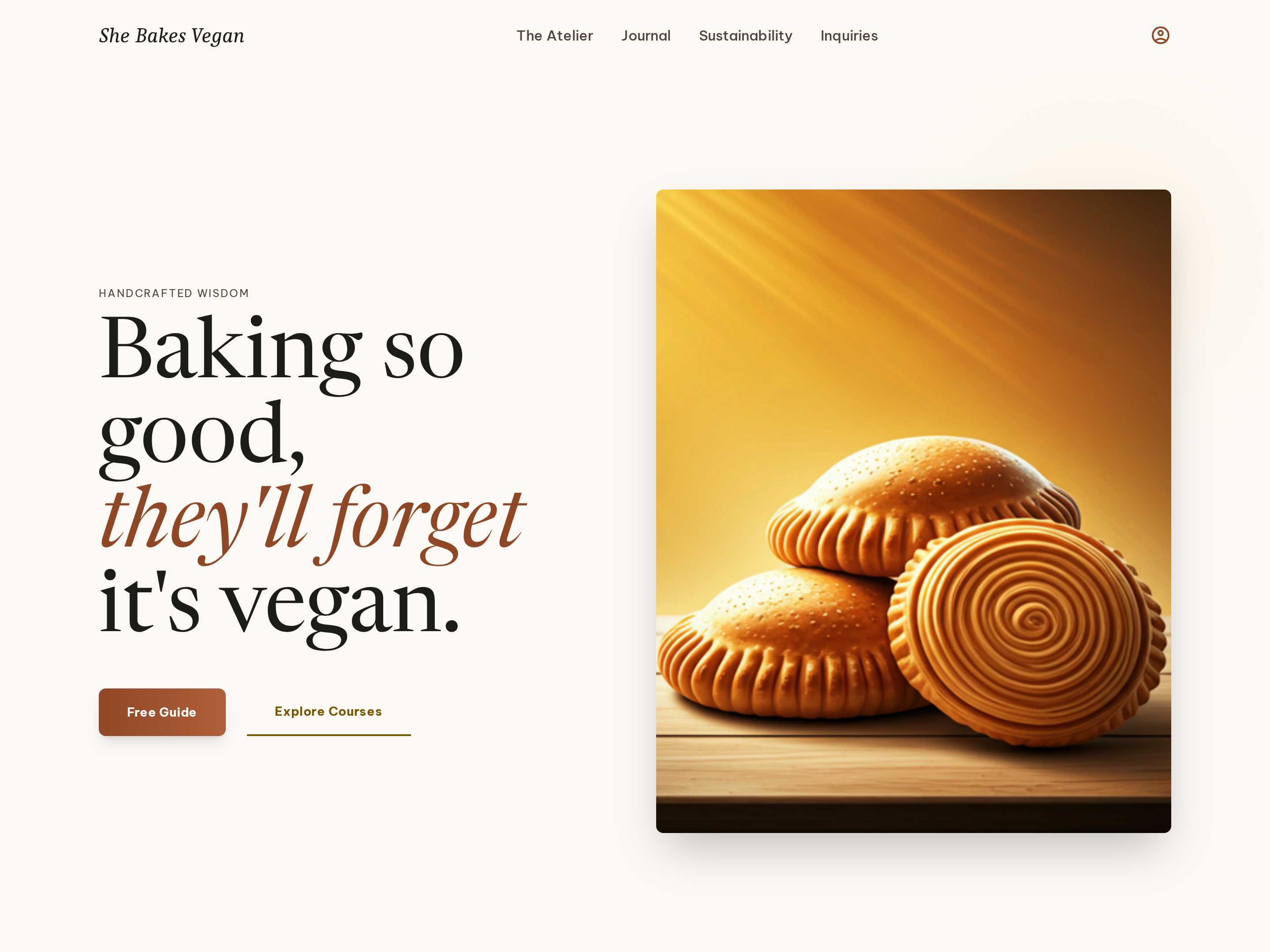
Editorial Homepage — Split-Hero Dual-CTA Variant
A warm, editorial homepage built around a split hero with a serif headline on one side and a photography panel on the other, plus dual calls to action that route visitors to a free resource or the main offer — pilots a vegan baking creator but the pattern fits any food, lifestyle, or course brand.
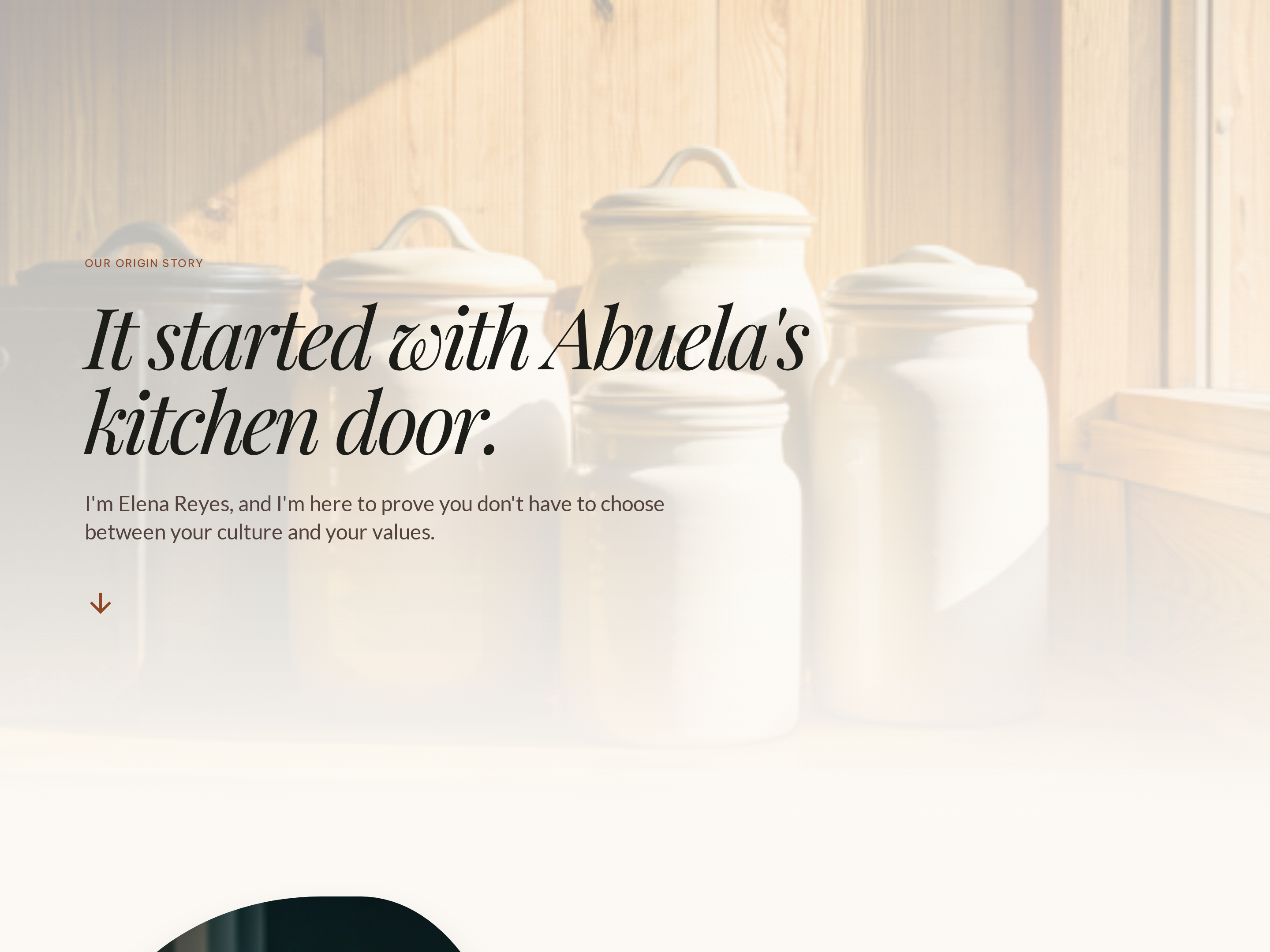
Story-Led About Page — Warm Editorial Variant
A narrative about page that braids an origin story, a creator portrait, and a credentials block into one warm editorial flow so visitors feel like they know the person before they consider buying — pilots a vegan baking creator but the pattern fits any personal-brand business.
Create a new list
Save your favorites
Email me a magic link and I'll add this to your favorites list.