Horizontal Scroll Walkthrough — Sequenced Stage Cards
A scroll-driven lesson where vertical scrolling slides a row of stage cards across the screen one at a time, with a live counter and progress rail enforcing the order — pilots a 7-stage strength progression but the pattern fits any 'don't skip ahead' sequenced process.
Best for: Teaching sequenced processes or progressions where the order itself is the lesson — learners must see each stage in turn rather than jump ahead.
Live preview — scroll inside the frame to see the full page.
What it does
- Scroll-locked stage row — vertical scrolling slides a row of stage cards horizontally one at a time
- Live stage counter — a clear '01 / 07' style indicator updates as each card passes
- Progress rail — a horizontal progress bar fills as the learner advances through the stages
- Rich stage cards — each stage has a numbered badge, category tag, illustration, name, description, and a small spec grid
- Mobile touch handling — on smaller screens the row converts to natural touch-scrolling cards
- Synthesis and action close — releases at the end into a summary block plus a clear next-step card
Best use cases
- Strength and athletics — multi-stage progressions where learners cannot skip rungs
- Cooking — multi-step recipes or fermentation timelines that must be walked in order
- Sales and marketing — multi-step launch sequences, funnel stages, or pipeline walkthroughs
- Manufacturing and operations — production-line walkthroughs and assembly sequences
- Education — historical timelines or evolution-of-a-technique lessons
- Career and skill ladders — progressions with strict prerequisites between stages
What you can change with your DNA
When you run this through the remix skill, your CCOS DNA — brand, voice, audience — drives these decisions automatically:
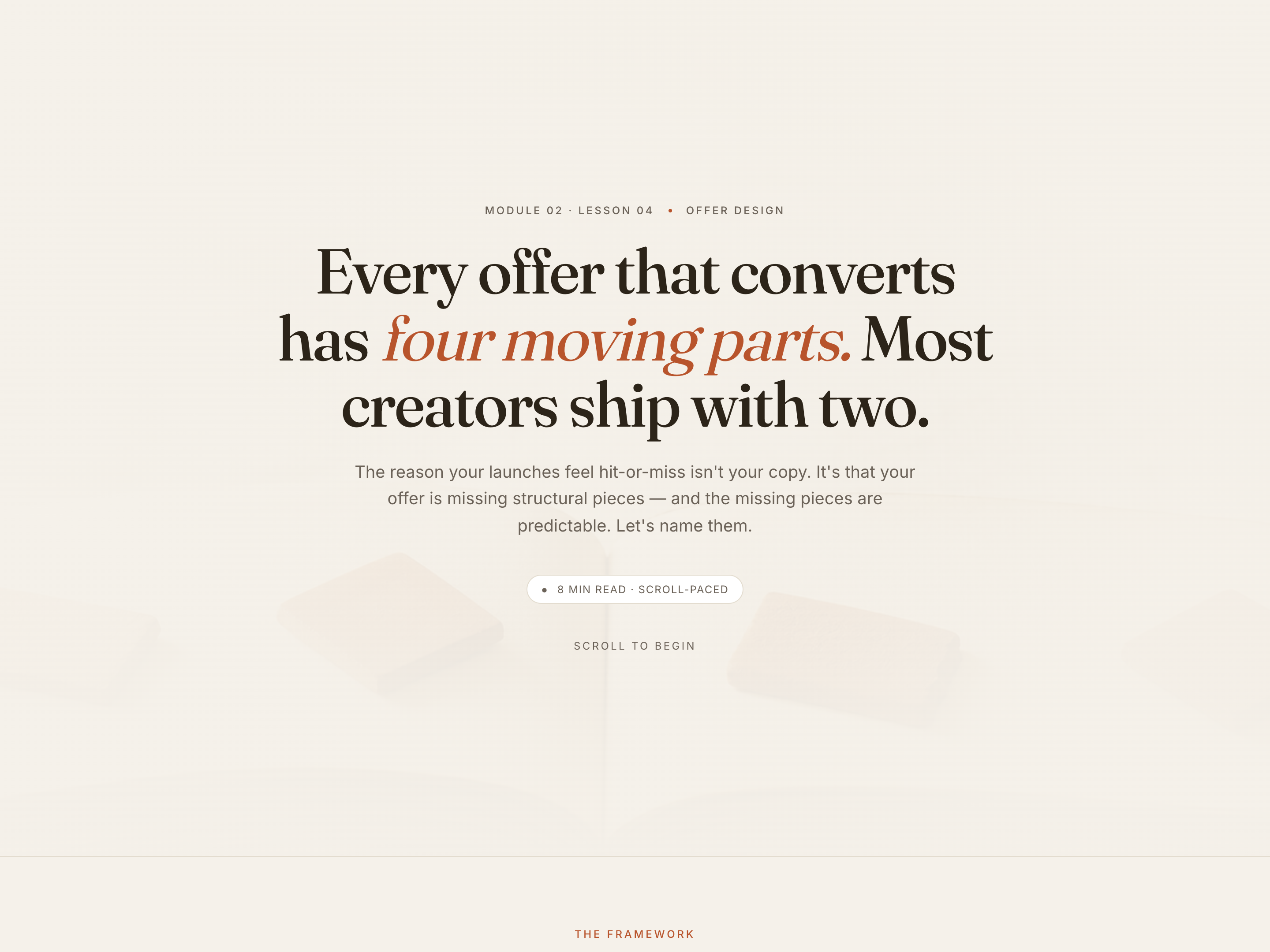
- Colors — single accent color repaints all highlights and progress fills against a dark base. Easily swapped for a soft cream/serif treatment if a different register is needed.
- Fonts — two roles: a strong display font and a mono accent font. The shipped pairing is bold and technical; alternate pairings shift the personality without breaking the rhythm.
- Copy — opener, header chrome, four to twelve stage cards (badge, tag, name, description, spec labels), synthesis block, action card.
- Images — illustrations sit inside each card; swap for photos, animated visuals, or video stills. Visual area is the dominant part of each card.
- Behavior — tune how snappy or buttery the horizontal motion feels, and adjust the total number of stages — the layout recalculates automatically.
How remixing works
From "swiped it" to "shipped it" in three steps.
Pick a remix
Browse the library, find one that fits — like this one.
Run it through your DNA
The remix skill uses your CCOS DNA to swap colors, fonts, copy, and structure so it lands as yours.
Ship it
Paste the finished HTML into Thinkific, Kajabi, WordPress, or any platform that takes embed code.
Create a new list
Save your favorites
Email me a magic link and I'll add this to your favorites list.