Reference Lookup Page — Region-by-Region Requirements Variant
A reference page that lets visitors pick a region or jurisdiction and instantly see the rules, hours, or requirements that apply to them, pilots state-by-state nursing CE requirements but the pattern fits any creator whose audience needs region-specific guidance.
Best for: Educators, consultants, and service providers whose buyers need to know how rules, requirements, or pricing change by region before they buy.
Live preview — scroll inside the frame to see the full page.
What it does
- Region picker — a clear interface (dropdown, map, or alphabetic list) lets visitors jump straight to their region without scrolling through every entry
- Per-region detail card — each region surfaces the key facts (hours, cycle, specialty rules, exceptions) in a consistent template
- Renewal-cycle and frequency callouts — short, bolded lines highlight the numbers visitors need most
- Links to official board resources — each region card includes outbound links to authoritative sources for verification
- Course-match suggestions — every region card points to the creator's relevant programs that satisfy the requirement
- Bookmark-friendly structure — clean section anchors and consistent formatting make the page easy to return to
Best use cases
- Course creators — guiding learners to the right program based on their location or jurisdiction
- Healthcare and compliance educators — translating state-by-state CE requirements into a clear, branded reference
- Consultants in regulated industries — surfacing region-specific rules for tax, legal, or licensure questions
- SaaS businesses — showing how pricing, feature availability, or compliance changes by region
- Agencies — listing regional service availability or pricing tiers in one searchable reference
What you can change with your DNA
When you run this through the remix skill, your CCOS DNA — brand, voice, audience — drives these decisions automatically:
- Colors — slots for page background, region picker, detail card, key-fact highlights, and the accent on outbound links
- Fonts — one professional font for headlines and body; use a heavier weight for region names and key facts
- Copy — page intro, region names, requirement detail (hours, cycle, specialties), outbound link labels, and the course-match suggestions per region
- Images — optional regional map graphic or per-region icon for visual orientation
- Behavior — choose how the picker works (dropdown vs map vs list), whether selecting a region scrolls to it or filters the page, and how outbound links open
How remixing works
From "swiped it" to "shipped it" in three steps.
Pick a remix
Browse the library, find one that fits — like this one.
Run it through your DNA
The remix skill uses your CCOS DNA to swap colors, fonts, copy, and structure so it lands as yours.
Ship it
Paste the finished HTML into Thinkific, Kajabi, WordPress, or any platform that takes embed code.
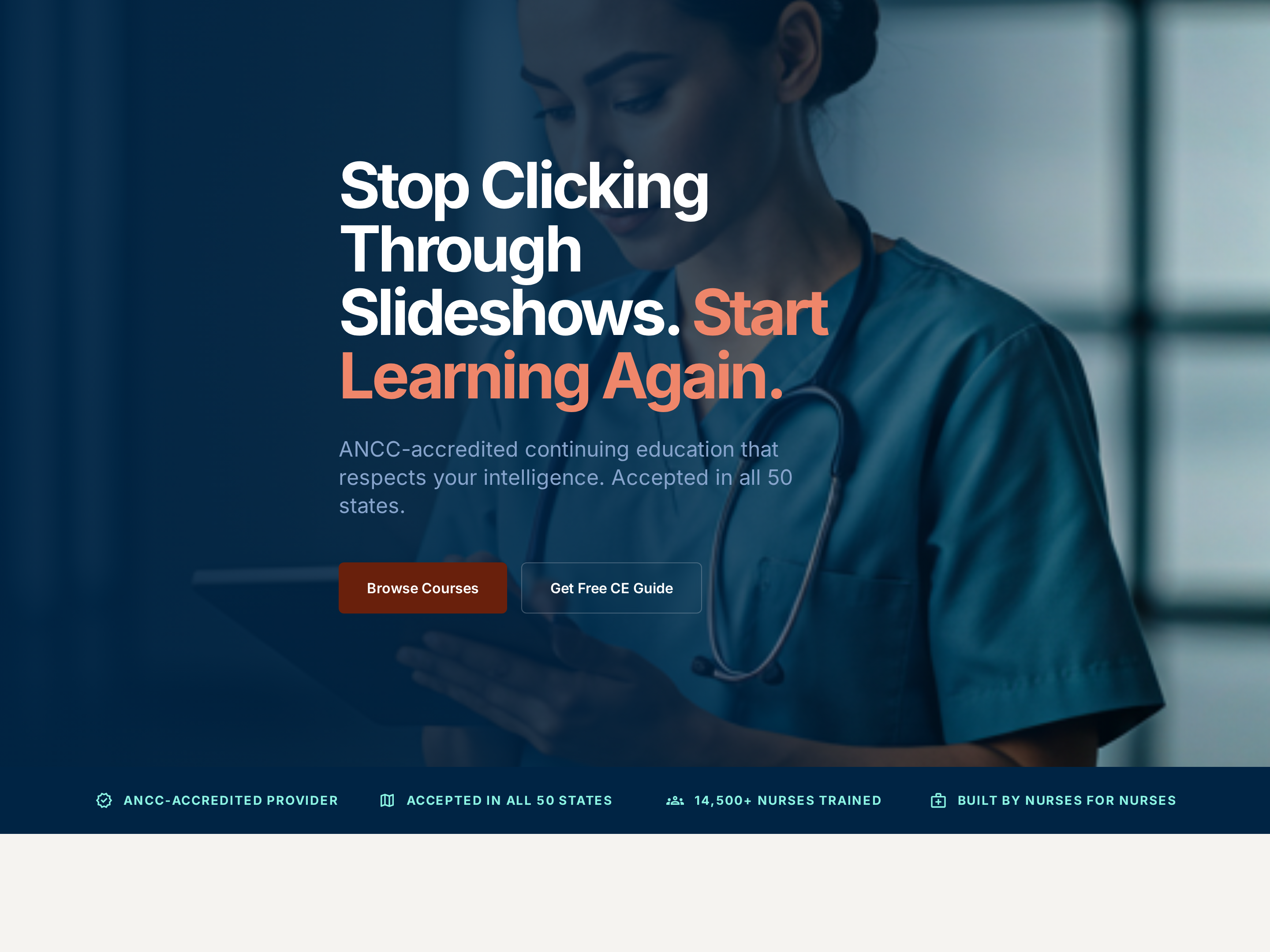
Professional Service Homepage — Credentialed Light-Mode Variant
A clean, credibility-first homepage with a clear hero, accreditation cues, featured offerings, and an enrollment CTA, pilots a nursing CE provider but the pattern fits any expert-led business where trust signals carry the sale.
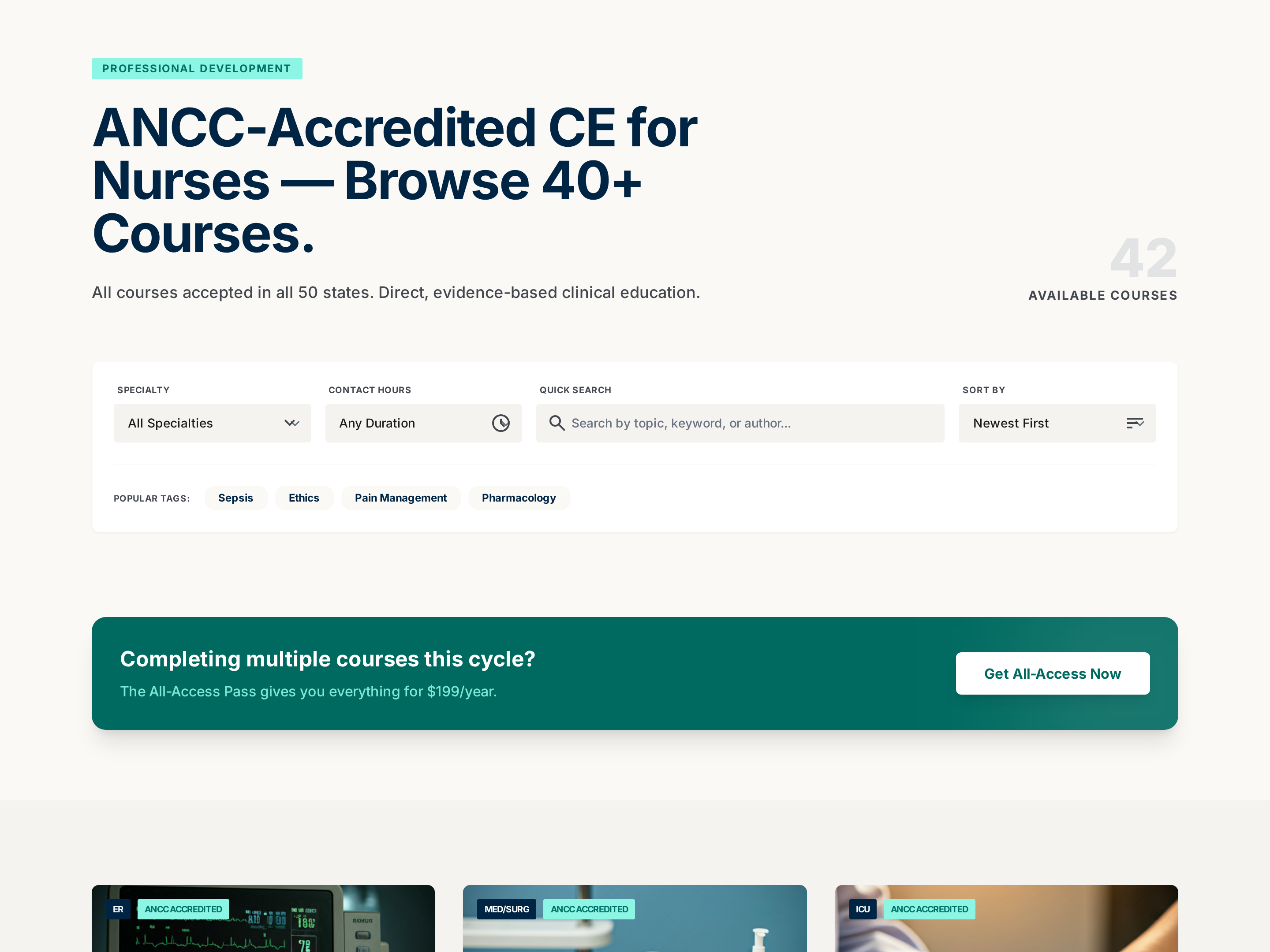
Searchable Course Catalog — Professional Filterable Variant
A searchable, filterable catalog page that organizes a large library of courses into clear cards with metadata for hours, price, and focus area, pilots a nursing CE catalog but the pattern fits any creator with 10+ offerings to organize.
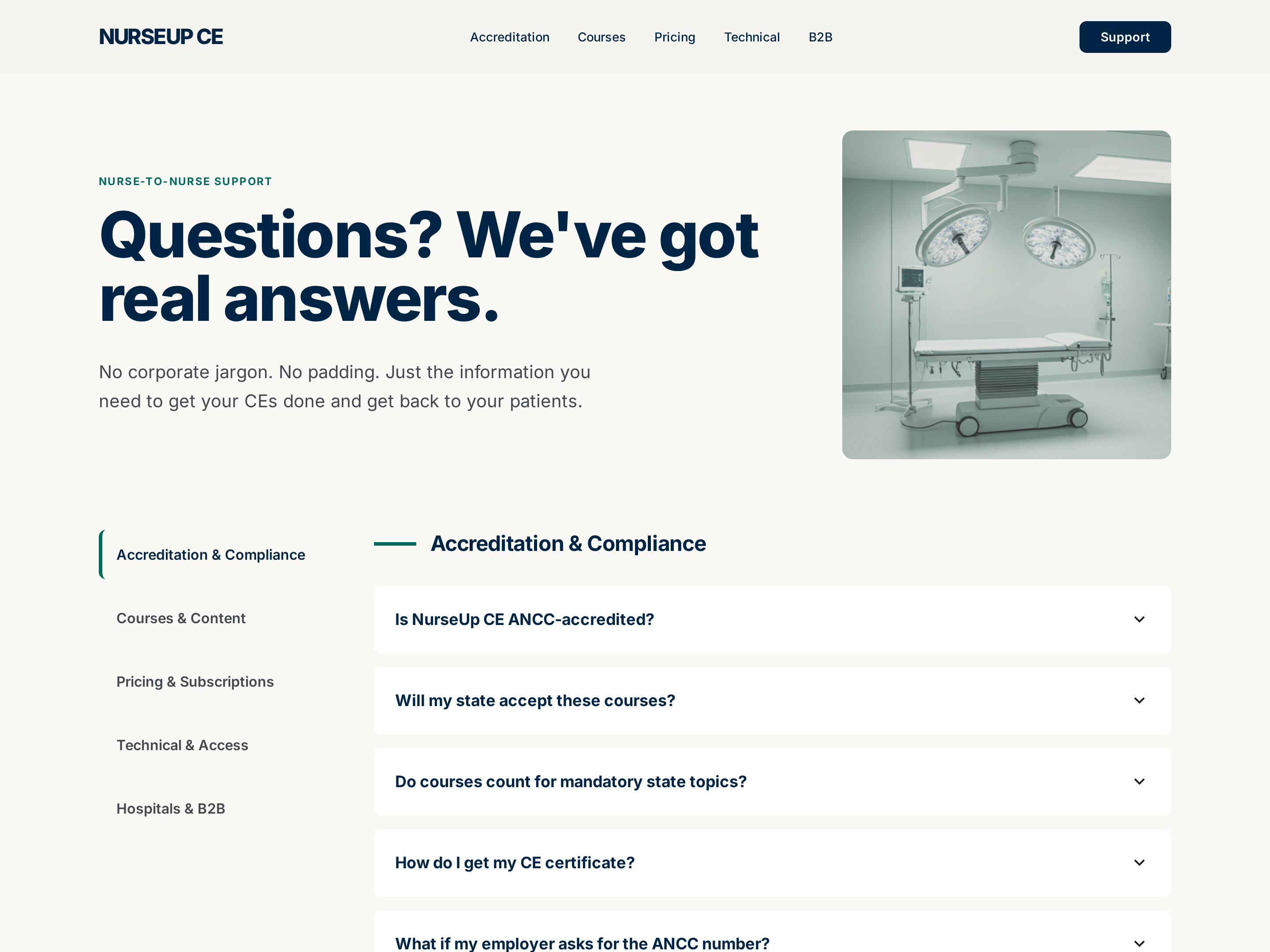
Self-Service FAQ Page — Professional Categorized Variant
A categorized FAQ page where visitors scan grouped questions and expand answers in place, pilots a nursing CE FAQ but the pattern fits any business that wants to deflect repetitive support questions before they hit the inbox.
Create a new list
Save your favorites
Email me a magic link and I'll add this to your favorites list.