Bold Programs Hub — Dark-Mode Card Grid Variant
A dark-mode programs overview page that displays multiple offers in a card grid with key details and clear paths to each program, pilots a fitness coach with multiple programs but the pattern fits any creator, coach, or business with a multi-offer catalog.
Best for: Programs hub pages for creators with three or more offers who need visitors to self-select the right path quickly.
Live preview — scroll inside the frame to see the full page.
What it does
- Card-grid program library — every program gets its own card with a cover image, name, short pitch, and key details
- Self-select metadata — each card surfaces level, duration, format, or price so visitors filter mentally without needing to click in
- Optional category filters — a tag row lets visitors narrow by skill level, format, or focus area
- Program-card CTA — every card carries a clear button or link to its full sales page
- Hub headline and subhead — the page opens with a single line that frames the whole catalog and orients visitors
Best use cases
- Course creators with multiple programs — a creator hub showcasing beginner, intermediate, and advanced offers
- Coaches with tiered services — a coaching menu showing one-to-one, group, and self-paced options
- Consultants with multiple engagements — a services hub with sprint, retainer, and advisory offers
- Agencies with productized services — a services-overview page that lets clients self-select the right package
- Membership operators with bundled offers — a hub showing core membership plus add-on intensives
What you can change with your DNA
When you run this through the remix skill, your CCOS DNA — brand, voice, audience — drives these decisions automatically:
- Colors — slots for the near-black background, card backgrounds, accent color for category tags and CTAs, and text colors for headers and metadata
- Fonts — two roles: a confident display font for program titles and the page headline, and a clean body font for descriptions and metadata
- Copy — page headline, subhead, program names, short pitches, target-audience lines, durations, levels, and CTA labels per card
- Images — cover image or icon per program; consistent crops keep the grid unified
- Behavior — choose grid columns (two, three, or four), whether to enable category filters, and whether cards expand inline or link out
How remixing works
From "swiped it" to "shipped it" in three steps.
Pick a remix
Browse the library, find one that fits — like this one.
Run it through your DNA
The remix skill uses your CCOS DNA to swap colors, fonts, copy, and structure so it lands as yours.
Ship it
Paste the finished HTML into Thinkific, Kajabi, WordPress, or any platform that takes embed code.
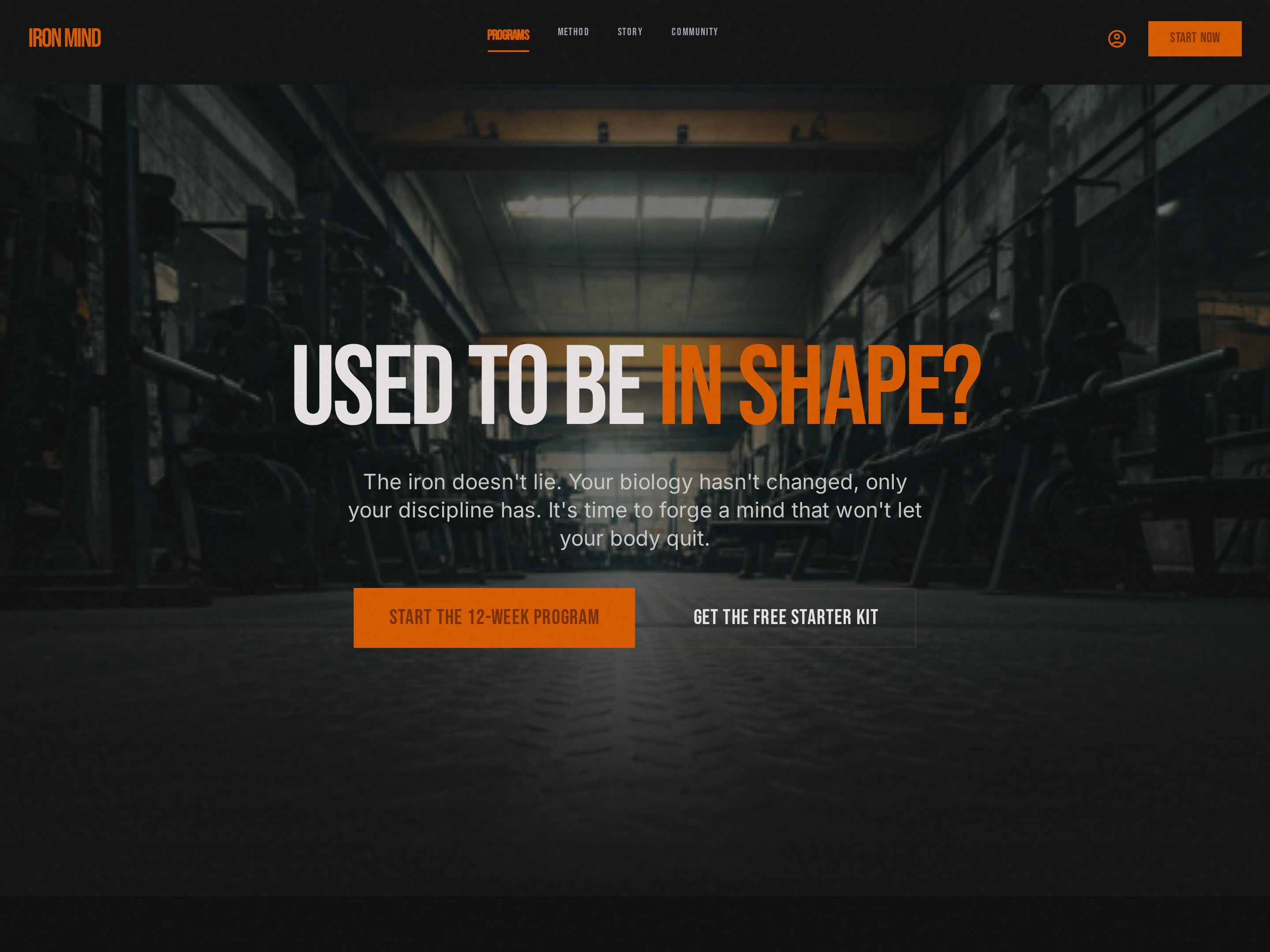
Bold Single-CTA Homepage — Dark-Mode Hero Variant
A dark-mode homepage anchored by a high-contrast hero with a single bold CTA, pilots a strength training brand but the pattern fits any creator, coach, or business whose brand reads as confident, premium, or performance-driven.
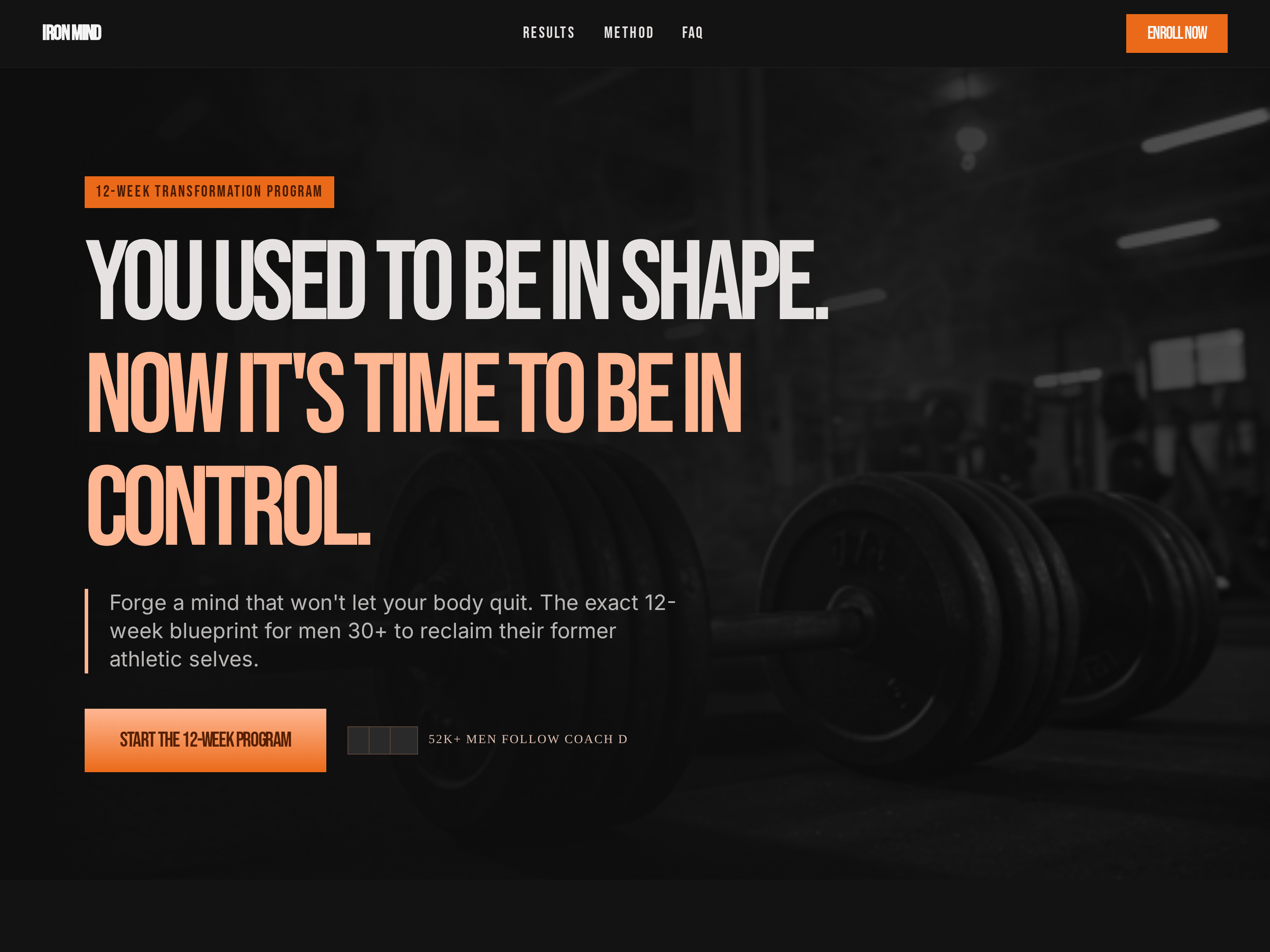
Bold Program Sales Page — Dark-Mode Cohort Variant
A high-impact dark-mode sales page laid out around program phases, expected outcomes, pricing, and proof, pilots a twelve-week strength training program but the pattern fits any structured multi-week program with phased delivery.
Create a new list
Save your favorites
Email me a magic link and I'll add this to your favorites list.