Bold Lead Magnet Page — Dark-Mode Opt-In Variant
A dark-mode lead magnet page that pairs a strong value proposition with an email opt-in form, pilots a free fitness guide but the pattern fits any creator, coach, or business growing their email list with a downloadable resource.
Best for: Lead magnet and opt-in pages for creators and coaches whose brand reads as bold or premium and who want an email-capture page that matches.
Live preview — scroll inside the frame to see the full page.
What it does
- Lead magnet hero — opens with a confident headline naming the resource and the outcome it delivers
- Cover-image preview — shows what the visitor will get (PDF cover, video thumbnail, template screenshot) so the value feels tangible
- Benefit bullet list — three to five bullets translating the resource into concrete reader benefits
- Email opt-in form — single-field or two-field form with a high-contrast submit button matched to the brand accent
- Trust line under the form — short reassurance about privacy, frequency, or unsubscribe to lower friction
- Optional creator credibility line — a sentence or photo positioning who's behind the resource
Best use cases
- Course creators — lead magnet pages funneling subscribers into a launch sequence
- Coaches — free guide or template page that warms leads before a discovery call
- Consultants — gated whitepaper or framework PDF feeding a nurture sequence
- Agencies — gated case study or playbook used as inbound lead bait
- SaaS and memberships — gated free tool, template pack, or course preview that grows the email list
What you can change with your DNA
When you run this through the remix skill, your CCOS DNA — brand, voice, audience — drives these decisions automatically:
- Colors — slots for the near-black background, accent color for the submit button and highlights, and supporting text colors
- Fonts — two roles: a confident display font for the headline and a clean body font for bullets, labels, and trust copy
- Copy — resource title, value-prop headline, benefit bullets, form labels, submit button text, trust line, and credibility blurb
- Images — lead magnet cover or preview image, optional creator portrait, and any background texture
- Behavior — choose single-field vs name-and-email, where the form sits (above the fold or repeated), and post-submit redirect or thank-you state
How remixing works
From "swiped it" to "shipped it" in three steps.
Pick a remix
Browse the library, find one that fits — like this one.
Run it through your DNA
The remix skill uses your CCOS DNA to swap colors, fonts, copy, and structure so it lands as yours.
Ship it
Paste the finished HTML into Thinkific, Kajabi, WordPress, or any platform that takes embed code.
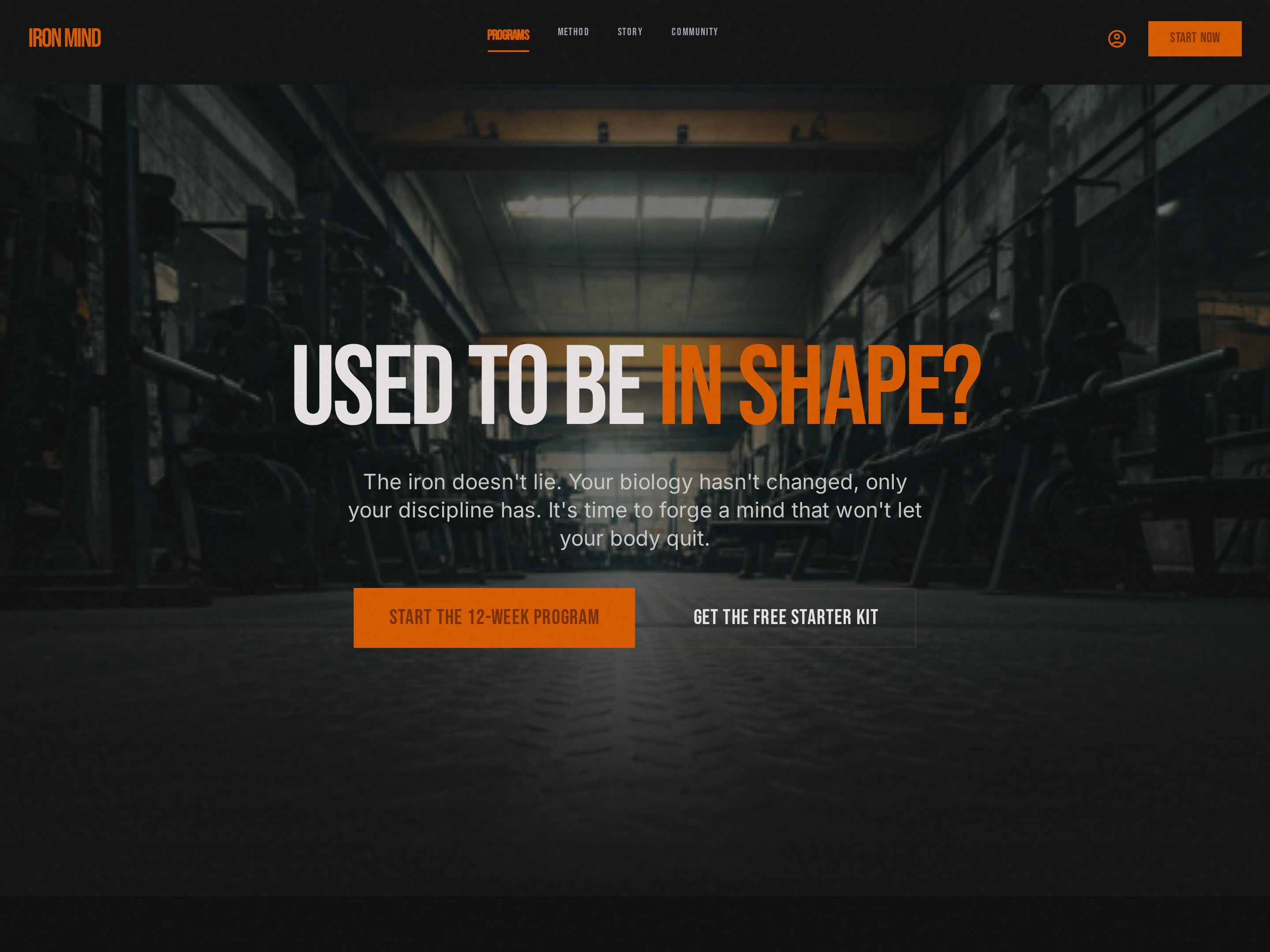
Bold Single-CTA Homepage — Dark-Mode Hero Variant
A dark-mode homepage anchored by a high-contrast hero with a single bold CTA, pilots a strength training brand but the pattern fits any creator, coach, or business whose brand reads as confident, premium, or performance-driven.
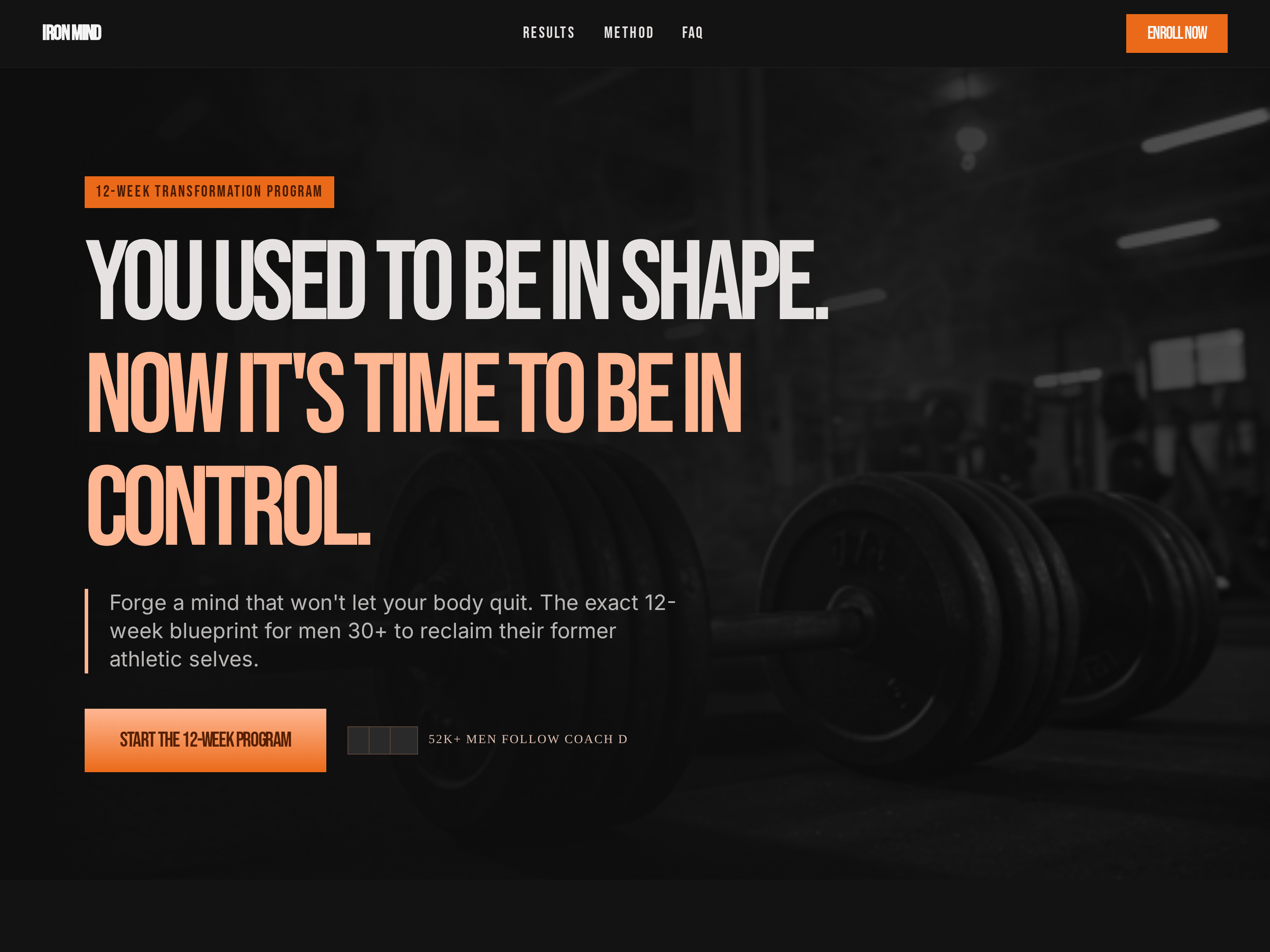
Bold Program Sales Page — Dark-Mode Cohort Variant
A high-impact dark-mode sales page laid out around program phases, expected outcomes, pricing, and proof, pilots a twelve-week strength training program but the pattern fits any structured multi-week program with phased delivery.
Create a new list
Save your favorites
Email me a magic link and I'll add this to your favorites list.