Scroll-Reveal SVG Diagram — Animated Anatomy Lesson
A scroll-driven SVG diagram that draws itself in front of the learner — outline first, then fills, then numbered callouts — pilots a sourdough cross-section but the pattern fits any 4-7-part anatomy lesson.
Best for: Labeled-diagram lessons where a subject has 4-7 parts that need to be named and explained — anatomy, cross-sections, exploded views, or any 'learn to see' diagnostic.
Live preview — scroll inside the frame to see the full page.
What it does
- Scroll-triggered drawing animation — the main subject's outline draws itself onto the page as the learner scrolls, like a hand sketching it in real time
- Sequenced layered reveals — secondary lines, fills, and textures appear in a deliberate order rather than all at once, so attention follows the build
- Pop-in micro-details — small features (dots, marks, irregularities) appear one by one for a tactile, hand-built feel
- Animated callout lines with handwritten labels — numbered labels fan outward to specific points on the diagram at set moments in the scroll
- Teaching cards synced to each callout — every callout has a matching card with a headline, short paragraph, and one highlighted phrase the learner should remember
- Synthesis closer — ends with a summary section plus three next-step cards to consolidate the lesson
Best use cases
- Cooking and baking — loaf anatomy, parts of a knife, structure of a sauce, plating composition
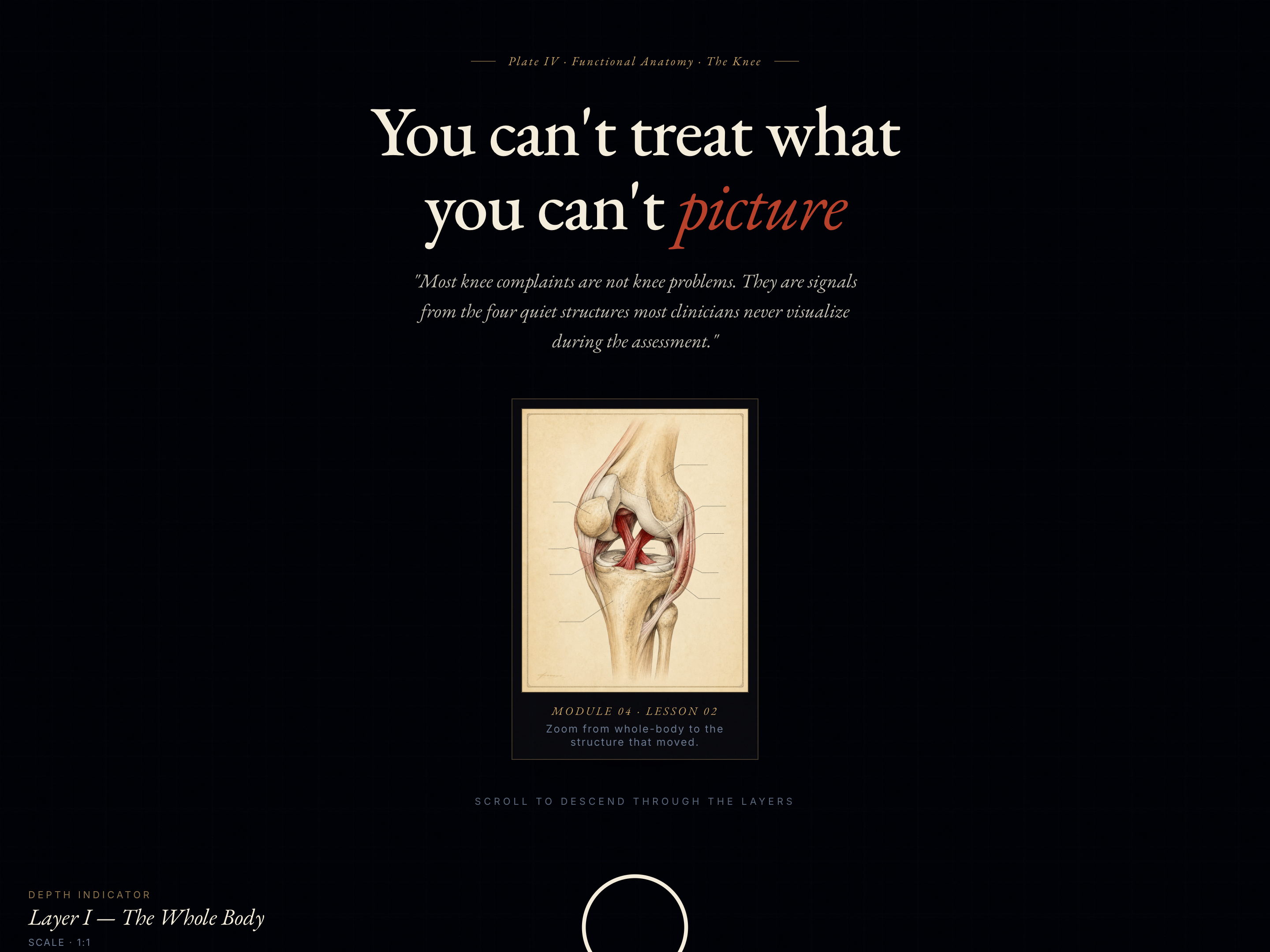
- Healthcare and fitness — muscle groups, joint anatomy, posture or breath checkpoints
- Music education — parts of an instrument, song structure, EQ curve breakdown
- Design and writing — anatomy of a webpage, parts of a typeface, structure of an essay
- Engineering and code — exploded-view diagrams, circuit anatomy, code-structure breakdowns
What you can change with your DNA
When you run this through the remix skill, your CCOS DNA — brand, voice, audience — drives these decisions automatically:
- Colors — five color slots control the page background, paper texture, line ink, accent detail, and highlight. Swap entirely to fit your niche (medical blue/white/red, botanical greens, music navy + gold, etc.)
- Fonts — three roles: a display serif for the title, a clean body sans, and a handwriting font for the labels. Pair to match your brand register.
- Copy — opener (title + lede + handwritten note), three short frame labels, five diagram label texts, five teaching cards (number + headline + paragraph with one highlighted phrase), summary + three next-step cards
- Images — the diagram itself is the largest customization. Swap the outline shape for any subject; the build pattern (outline → fills → small features → labeled callouts) stays the same. Build in Figma or any vector editor and drop it in.
- Behavior — control when each callout appears as the learner scrolls, and tune how long the lesson runs (compress for skim, expand for slow read)
How remixing works
From "swiped it" to "shipped it" in three steps.
Pick a remix
Browse the library, find one that fits — like this one.
Run it through your DNA
The remix skill uses your CCOS DNA to swap colors, fonts, copy, and structure so it lands as yours.
Ship it
Paste the finished HTML into Thinkific, Kajabi, WordPress, or any platform that takes embed code.
Create a new list
Save your favorites
Email me a magic link and I'll add this to your favorites list.